Tame Your Kitchen Chaos: The Best Apps to Organize Your Baking Recipes

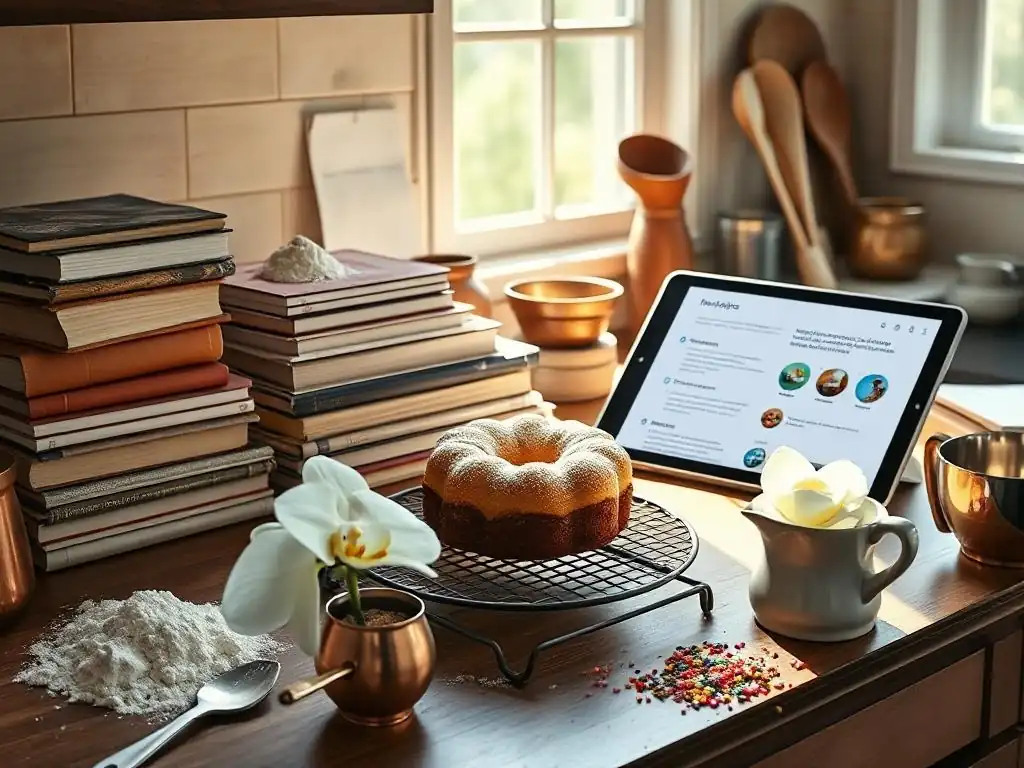
Welcome to BakeWithEase, your companion on a journey to baking bliss! Tired of sifting through stacks of cookbooks and scattered notes in search of that perfect recipe? Discover how to streamline your kitchen and reclaim your sanity with our guide to the best baking recipe organization apps. Unlock a world of culinary efficiency and start baking smarter today!
- Baking Recipe Organization Apps: Finding Your Perfect Digital Solution
-
Top Baking Recipe Organizer Apps for 2024: A Detailed Comparison
- 1. Paprika Recipe Manager: The Professional Baker's Choice
- 2. Recipe Keeper: The All-in-One Baking Recipe App
- 3. BigOven: Social Baking and Meal Planning Combined
- 4. Cookmate (formerly Recipe Cloud): A Simple and Free Baking Recipe Organizer
- 5. Mela Recipe Manager: A Beautiful and Intuitive Baking Recipe App (iOS)
- Choosing the Right Baking Recipe App for Your Needs: A Guide
- Maximizing Your Baking Efficiency with Recipe Organization Apps
- Mastering Baking Recipe Management: Conclusion and Recommendations
-
Frequently Asked Questions
- How can baking recipe organization apps help me?
- What features should I look for in a baking recipe organization app?
- Are there any free baking recipe organization apps available?
- Can I import recipes from websites and cookbooks directly into these apps?
- How do these apps help with meal planning and grocery shopping?
- Final Reflection: The Sweet Taste of Organized Baking
- Unleash Your Inner Baking Maestro!
Baking Recipe Organization Apps: Finding Your Perfect Digital Solution
Why Digital Baking Recipe Management is Essential for Home Bakers
For home bakers, managing a growing collection of recipes can quickly become overwhelming. Loose papers get lost, cookbooks gather dust on shelves, and finding that one perfect chocolate chip cookie recipe often feels like searching for a needle in a haystack. This is where dedicated baking recipe organization apps become indispensable tools.
They centralize your entire collection – from handwritten family heirlooms to recipes clipped from websites – into a searchable, accessible format right on your phone, tablet, or computer. Imagine pulling up any recipe instantly, scaling ingredients with a tap, or even creating grocery lists automatically. This level of organization transforms the baking process from a chaotic search into a smooth, enjoyable experience, allowing you to focus on perfecting your craft rather than wrestling with clutter.
Beyond simple storage, these digital baking recipe organization apps offer features that significantly enhance efficiency. Many allow you to import recipes directly from food blogs and websites with just a few clicks, saving precious time spent manually typing. Others provide built-in timers, nutritional information (though less critical for many home bakers than professional ones), and even meal planning capabilities.
For instance, a study by a prominent tech blog in 2022 suggested that users of recipe management software spent approximately 20% less time searching for recipes and creating shopping lists compared to those using traditional methods. While specific data for baking apps is harder to pinpoint, the principle holds true: digital tools streamline the preparatory steps, freeing you up to spend more time with flour, butter, and sugar, and less time hunting for that forgotten index card.
The Problem with Paper: Overcoming Recipe Clutter and Inefficiency
Traditional paper-based recipe organization, while nostalgic, presents significant challenges for the active home baker. Recipe cards get stained, torn, or misplaced. Cookbooks are bulky and not easily searchable. Printouts from websites pile up, becoming a disheveled stack that's impossible to navigate efficiently.
Consider the common scenario: you're planning to bake a complex layered cake, and you need three different recipes – one for the cake layers, one for the frosting, and one for a filling. If these are scattered across different notebooks or printouts, you waste valuable time flipping through pages, trying to keep track of ingredients and instructions for each component simultaneously. This inefficiency can dampen enthusiasm and even lead to mistakes in the baking process.
Furthermore, sharing recipes with friends or family using paper copies is cumbersome. You have to manually copy or photograph the recipe, which can be time-consuming and result in illegible notes. Stains from flour or spills are permanent reminders of past baking adventures, but they don't exactly make the recipe easy to read for future use. Digital baking recipe organization apps solve these problems by providing a clean, searchable, and durable format.
Recipes are backed up (often to the cloud), so you never lose them. You can search by ingredient, title, or tag in seconds. Sharing is as simple as tapping a button to send a digital copy. Transitioning away from paper clutter means your baking space stays cleaner, your recipes are always accessible, and your focus remains on the joy of baking itself.
Top Baking Recipe Organizer Apps for 2024: A Detailed Comparison
1. Paprika Recipe Manager: The Professional Baker's Choice
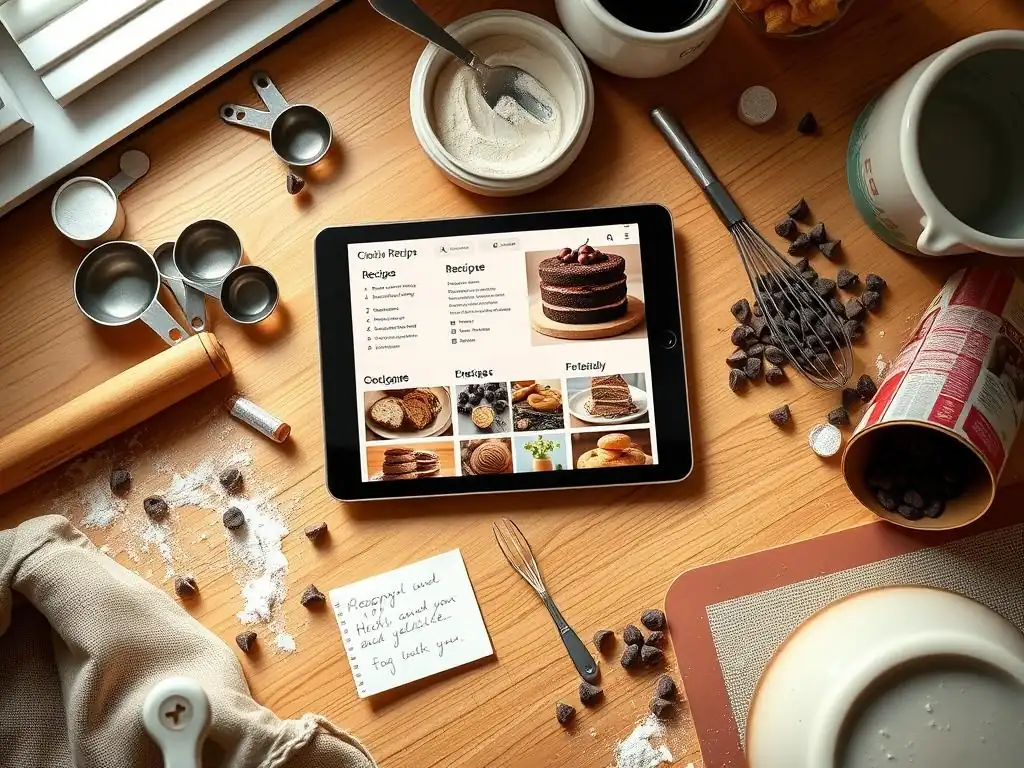
Paprika Recipe Manager is widely regarded as one of the most robust and comprehensive baking recipe organization apps available, often favored by serious home cooks and bakers alike. Its strength lies in its powerful web importing tool, which works seamlessly on most recipe websites, pulling in ingredients, instructions, and even photos with remarkable accuracy. Once imported, recipes are easy to categorize, tag, and search.
The app also offers excellent features like scaling ingredients up or down based on serving size, built-in timers that link directly to recipe steps, and the ability to cross off ingredients as you use them during preparation. Its focus on functionality and reliability makes it a top contender for anyone serious about digital recipe management.
This app isn't just about storing recipes; it's designed to be used while you bake. The screen stays on while you're viewing a recipe, so you don't have to constantly touch your device with floury hands. You can add notes to recipes based on your modifications or results, creating a personal history for each bake. For example, if you adjusted the baking time for a specific oven, you can add a note like "Baked for 32 mins at 350F in my oven - perfect!"
This feature is invaluable for perfecting recipes over time. Paprika also includes meal planning and grocery list features, automatically consolidating ingredients from selected recipes. While perhaps more features than a pure beginner baker might need, its depth makes it an excellent investment for those who bake frequently and want a reliable, long-term solution for their growing recipe collection.
Paprika Recipe Manager: Key Features for Organized Baking
Paprika boasts a suite of features designed specifically for effective recipe management. Its core strength is the browser extension/in-app browser that allows one-tap importing from nearly any website. Users report successful imports from thousands of popular food blogs and recipe sites.
Once imported, recipes can be organized into custom categories like "Cakes," "Bread," "Cookies," or "Holiday Baking." You can assign multiple categories and tags to a single recipe, making it incredibly flexible for searching later. The app automatically detects ingredients and allows you to add them directly to a grocery list, which can then be sorted by aisle (customizable) or recipe.
Beyond organization, Paprika includes practical tools for the baking process. The built-in timers can be set directly from the recipe instructions, eliminating the need for a separate timer app. The ingredient scaling feature is particularly useful for bakers who often need to double a batch of cookies or halve a cake recipe; it recalculates quantities automatically.
You can highlight ingredients as you add them and cross off steps as you complete them, making it easy to track your progress, especially in complex recipes. The app also allows you to easily add photos to your recipes, either from the original import or photos of your own finished bakes.
Paprika Recipe Manager: Pricing and Subscription Details
Paprika Recipe Manager operates on a one-time purchase model per platform, rather than a subscription. This means you buy the app for each operating system you want to use it on (iOS, Android, macOS, Windows). As of early 2024, the price is typically around $4.99 - $5.99 for mobile versions (iOS/Android) and $29.99 - $34.99 for desktop versions (macOS/Windows). While this upfront cost might seem higher than a free app, there are no ongoing monthly or annual fees. Buying the app on one platform does not give you access on another; you need to purchase it for each ecosystem.
The one-time purchase model is a significant advantage for users who dislike subscriptions. Once you own the app on a platform, you receive free updates for that version indefinitely. Syncing between devices across different platforms requires owning the app on each platform you wish to sync with, using their free cloud sync service.
For example, to sync between an iPhone and a Windows PC, you would need to purchase the iOS app and the Windows app. While the total cost can add up if you use multiple types of devices, the lack of recurring fees often makes it a more economical choice in the long run compared to many subscription-based baking recipe organization apps.
Paprika Recipe Manager: Pros and Cons for the Serious Baker
Paprika's main advantages include its powerful and reliable web recipe importer, robust organization features (categories, tags, search), and practical in-kitchen tools like timers and ingredient scaling. The one-time purchase model is a big plus for many users, avoiding subscription fatigue. Its syncing works well across devices once purchased on each platform, ensuring your recipe collection is always up-to-date. Users often praise its stability and consistent performance across different operating systems. It's a mature app that has been refined over many years.
However, Paprika does have some drawbacks. The primary con is the need to purchase the app separately for each platform (iOS, Android, macOS, Windows), which can become expensive if you use a mix of devices. For instance, owning it on an iPhone, iPad, and Windows PC could cost upwards of $40-$50. While the interface is functional, some users find it a bit dated compared to newer apps.
It lacks some of the social features found in apps like BigOven, focusing more on personal recipe management. There's also no free version to test extensively before buying, though some platforms offer trials. Despite these points, for serious bakers prioritizing reliable importing and powerful organization, Paprika remains a top-tier choice among baking recipe organization apps.
2. Recipe Keeper: The All-in-One Baking Recipe App
Recipe Keeper positions itself as a comprehensive solution for managing all your recipes, making it a strong contender among baking recipe organization apps. It offers multiple ways to add recipes, including manual entry, importing from files (like MealMaster or plain text), and a built-in browser for importing from websites. Its interface is clean and user-friendly, designed to make organizing and accessing your recipes straightforward. Recipe Keeper aims to be your central hub for all culinary endeavors, including your extensive baking collection.
One of Recipe Keeper's notable features is its flexibility in how you view and use recipes. You can easily switch between viewing modes, adjust text size, and keep the screen awake while you're baking. It also includes integrated timers and the ability to mark ingredients and steps as you go, similar to Paprika. Its strength lies in providing a solid set of core features across all platforms (iOS, Android, Windows, macOS, Amazon Fire, and a web version), ensuring a consistent experience whether you're planning on your computer or baking with your tablet in the kitchen.
Recipe Keeper: Features for Importing and Organizing Recipes
Recipe Keeper provides several convenient methods for getting your baking recipes into the app. You can manually type in recipes from cookbooks or notes. For digital recipes, it offers a powerful web importing feature that works well on many popular recipe websites, attempting to automatically extract ingredients, instructions, and photos. While its importer might not be quite as universally reliable as Paprika's according to some user reviews, it handles a vast number of sites effectively. You can also import recipes saved in common file formats like MealMaster (.mxp) or Rich Text Format (.rtf).
Organizing within Recipe Keeper is intuitive. You can sort recipes into categories, add tags, and use a powerful search function to find recipes quickly by keyword, ingredient, or category. Recipes can be rated and reviewed, allowing you to keep track of your favorites and note modifications. The app supports adding photos to recipes, and you can easily edit any imported recipe to correct errors or add your own personal touches. For bakers, this level of flexibility means you can structure your digital cookbook exactly how you like, whether by type of baked good, difficulty level, or occasion.
Recipe Keeper: Sharing and Collaboration Features for Baking Groups
Recipe Keeper offers useful features for sharing your baking recipes. You can easily export recipes via email or other apps in various formats, making it simple to share that perfect pie crust recipe with a friend. The app also supports printing recipes, allowing you to have a physical copy if needed, perhaps for sharing with someone less digitally inclined or to avoid getting your device dirty during a particularly messy bake.
For users who want to collaborate or share their entire collection, Recipe Keeper offers family sync options (part of their premium tiers). This allows multiple users within a household or baking group to access and modify the same recipe collection across their devices. This is particularly useful for families where different members bake or cook, ensuring everyone is working from the same organized database. While not as focused on a large public community as BigOven, its sharing and family sync features provide practical ways to share your love of baking (and your best recipes) with your immediate circle.
Recipe Keeper: Recipe Keeper Pricing Options and Value
Recipe Keeper uses a freemium model with multiple tiers, offering more flexibility than Paprika's one-time purchase per platform. There is a free version that allows you to store a limited number of recipes (often cited as around 20-25, though this can vary) and access basic features. This is a great way for beginner bakers to try out the app before committing. To unlock unlimited recipes and premium features, you need to subscribe or purchase a lifetime license.
Premium features typically include unlimited recipe storage, syncing across devices and platforms, web importing, grocery list functionality, meal planning, and family sync. Pricing for the premium version varies; a monthly subscription might be around $2-$3, an annual subscription approximately $15-$20, and a lifetime license often priced around $40-$60. The lifetime license offers excellent value for long-term users, potentially being cheaper than Paprika across multiple devices over time, and definitely cheaper than a long-running subscription. The availability of a free tier and a lifetime purchase option makes Recipe Keeper a flexible and potentially cost-effective choice among baking recipe organization apps.
BigOven stands out among baking recipe organization apps by integrating a strong social component with its core recipe management features. While it functions as a personal recipe organizer, allowing you to save recipes from the web or manually add your own, it also hosts a massive community database of over a million recipes shared by other users. This makes it not just a place to store your recipes, but also a platform to discover new ones, get inspiration, and connect with other home cooks and bakers.
The app offers standard recipe management tools like categorization, search, and shopping lists. However, its social features, like commenting on recipes, following other users, and participating in groups or challenges (like the "Use Up Leftovers" challenge), add a unique dimension. For bakers looking to expand their repertoire and engage with a community, BigOven provides an appealing environment. It's designed to be a daily tool for meal planning and cooking inspiration, with baking being a significant part of that ecosystem.
BigOven: A Community-Driven Approach to Baking Recipes
BigOven's community is a major draw. Users can share their own recipes, including family favorites or original creations. This shared database means you have access to a vast library of recipes, many of which are contributed by other home bakers. You can browse recipes by category (like "Desserts" or "Bread"), search for specific ingredients, or see what's trending within the community. Finding a new chocolate cake recipe or a variation on classic scones is easy when you have over a million possibilities at your fingertips.
The social interaction features allow you to leave comments or questions on recipes, offer tips, and see feedback from others who have tried a particular bake. You can also follow specific users whose baking style you admire. This creates a dynamic environment where you can get advice, share your successes (and failures! ), and feel connected to a larger network of food enthusiasts. For bakers who enjoy the community aspect of platforms like Pinterest or Instagram but want it integrated with powerful recipe organization tools, BigOven offers a compelling combination.
BigOven: Meal Planning and Grocery List Integration
BigOven includes robust meal planning tools, which can be useful even if your primary focus is baking. You can drag and drop recipes from your personal collection or the community database onto a calendar to plan your week's baking (or cooking). The app automatically generates a grocery list based on the recipes in your plan. This grocery list can be edited, categorized (often by aisle), and checked off as you shop.
While a dedicated baker might not plan full meals every day, these features are still valuable. You can plan out a series of baking projects for a weekend, for instance, and generate a single shopping list for all the butter, flour, sugar, and other ingredients you'll need. This integration saves time and helps prevent forgotten items at the grocery store. The combination of recipe discovery, organization, and planning tools makes BigOven a versatile app for managing not just your baking, but potentially your entire kitchen workflow.
BigOven: Free vs. Premium Features for BigOven Users
BigOven offers a free version that provides access to the community recipe database and basic recipe saving features (often limited to a smaller number of personal recipes, perhaps 10-20). You can browse the vast collection and get a feel for the app's interface and community features. This free tier is a good way to explore if the app suits your needs before committing financially, making it accessible for beginner bakers exploring baking recipe organization apps.
To unlock the full potential of BigOven, including unlimited private recipe storage, web importing, advanced search filters, nutritional information, and premium meal planning/grocery list features, you need a BigOven Pro subscription. Pricing for BigOven Pro is typically around $2-$3 per month when billed annually (around $20-$25/year) or slightly higher for monthly billing ($4-$5/month).
They sometimes offer a lifetime membership option, though this is less common and usually priced higher ($60-$80+). The subscription model provides ongoing access to all features and new updates, making it a good option for users who want constant access to the full feature set and value the integrated community.
4. Cookmate (formerly Recipe Cloud): A Simple and Free Baking Recipe Organizer
Cookmate, previously known as Recipe Cloud, is a popular choice among home bakers looking for a free and straightforward way to organize their recipes. Its main appeal is that it offers unlimited recipe storage and essential organization features without requiring a paid subscription. While it might not have the advanced features or polish of some paid apps, it provides a solid foundation for building a digital baking recipe collection.
The app allows users to manually add recipes, import them from websites using its built-in browser, or import from various file formats. Recipes can be categorized, tagged, and searched. It includes basic features like shopping lists and the ability to rate recipes. For bakers on a budget or those just starting to transition from paper to digital, Cookmate offers a very accessible entry point into the world of baking recipe organization apps.
Cookmate: Key Features and Functionality
Cookmate's core functionality revolves around recipe entry and organization. You can manually input recipes, which is useful for family recipes or those from physical cookbooks. The app includes a web importing tool that attempts to extract recipe data from websites, though its success rate can be variable depending on the site's structure compared to more sophisticated importers. You can also import recipes from formats like MealMaster (.mxp).
Once recipes are in the app, you can organize them using categories and tags, making it easy to find recipes later. A search function allows you to quickly locate recipes by title or ingredient. You can add photos to your recipes to make them more visually appealing and easier to identify.
The app also includes a simple shopping list feature where you can manually add items or add ingredients from your recipes. While it lacks advanced features like automatic ingredient scaling or integrated timers tied to specific steps, its core features provide a functional system for managing a baking recipe database.
Cookmate: Pros and Cons for Home Bakers
The biggest pro for Cookmate is undoubtedly its price: it's free for unlimited recipe storage. This is a significant advantage over apps that limit free storage or require subscriptions. It provides the essential tools needed to digitize and organize a large collection of baking recipes without any financial barrier. The ability to import from websites (even if sometimes inconsistent) and manually add recipes covers most needs for getting recipes into the app.
On the downside, Cookmate's web importer is often reported as less reliable than those in paid apps like Paprika or Recipe Keeper. The interface, while functional, may feel less polished or modern compared to premium options. It also lacks many of the advanced features found in paid apps, such as automatic ingredient scaling, integrated timers within recipes, detailed nutritional information, or advanced meal planning tools. The sharing options are also more basic. However, for a baker who primarily needs a free digital filing cabinet for their recipes, Cookmate is a highly capable option among free baking recipe organization apps.
Cookmate: A Free Baking Recipe Organizer Option
Cookmate's primary value proposition is that it is a truly free baking recipe organizer app with unlimited storage. Unlike many "free" apps that severely limit the number of recipes you can save or lock essential features behind a paywall, Cookmate allows you to build and store an extensive digital cookbook without paying anything. It is supported by ads, which are typically displayed at the bottom of the screen or between recipes, but these are generally considered unobtrusive by most users.
This makes Cookmate an excellent starting point for anyone looking to digitize their recipe collection without any upfront or ongoing costs. It provides the fundamental tools for manual entry, basic web import, organization, and searching. While users seeking advanced features, a completely ad-free experience, or the most seamless web importing might need to consider paid alternatives, Cookmate serves as a very effective and accessible free option for managing your baking recipes digitally.
5. Mela Recipe Manager: A Beautiful and Intuitive Baking Recipe App (iOS)
Mela Recipe Manager is a strong contender specifically for users within the Apple ecosystem (iPhone, iPad, Mac). It distinguishes itself with a clean, modern, and intuitive interface that integrates well with iOS and macOS features. Mela focuses on providing a streamlined experience for importing recipes from the web and organizing them beautifully, making it a joy to use for managing your baking collection.
Designed with simplicity and aesthetics in mind, Mela allows for quick web imports from popular sites and easy manual entry. It supports iCloud sync, ensuring your recipes are available and up-to-date across all your Apple devices. While it might not have as many complex features as some of the older, cross-platform giants, its ease of use and elegant design make it a favorite among many Apple users looking for a premium baking recipe organization app.
Mela Recipe Manager: Key Features and Functionality
Mela excels at recipe capture and presentation. Its web importing feature is highly praised for its speed and accuracy on most major recipe websites. You can also manually add recipes using a clean editor. A key feature is its integration with Safari using a share extension, allowing you to save recipes directly from the browser with just a few taps. Recipes are displayed in a clean, readable format, often stripping away extraneous website content.
Organization in Mela is handled through categories and tags. The search is fast and effective. While it lacks advanced features like ingredient scaling or integrated timers within recipe steps (relying instead on the built-in iOS timer), it provides the essentials for browsing and using your recipes. Recipes can be marked as favorites, and you can add notes or modifications. The app supports adding photos and displays them prominently. Its focus is on making it easy to get recipes in and easy to read them while you bake.
Mela Recipe Manager: Pros and Cons for iOS Users
Mela's biggest pros are its beautiful, user-friendly interface and its excellent web importing capability, particularly seamless within the Apple ecosystem. iCloud sync works reliably across iPhone, iPad, and Mac, ensuring your recipes are always accessible. The app is fast and responsive, making browsing your collection a pleasant experience. Its focus on a clean, readable recipe view is ideal for using the app while baking.
The main drawback of Mela is its exclusivity to Apple devices. If you use Android or Windows, this app is not an option. Compared to apps like Paprika or Recipe Keeper, Mela has fewer advanced features like ingredient scaling, integrated step-by-step timers, or detailed meal planning.
It's a premium app with a one-time purchase price, meaning there's no free tier to try before buying (though Apple's App Store allows for refunds if the app doesn't meet expectations). For serious bakers who need cross-platform access or a comprehensive suite of advanced tools, Mela might fall short, but for Apple users prioritizing design and ease of use for basic organization and importing, it's a fantastic choice among baking recipe organization apps.
Mela Recipe Manager: A Premium Baking Recipe Organizer Option
Mela Recipe Manager follows the one-time purchase model common among premium iOS/macOS apps. As of early 2024, the price is typically around $9.99 USD on the App Store (for iOS/iPadOS) and a separate purchase for the macOS version, often priced similarly or slightly higher. This is a single, upfront cost that grants you ownership of the app on that platform and includes future updates.
While there is no free version, the one-time purchase provides unlimited recipe storage and access to all current and future features for that platform without any subscriptions. This pricing model is appealing to users who prefer to own their software outright rather than paying recurring fees. For an Apple user who values a polished experience and excellent web importing specifically, the one-time cost for Mela offers a premium solution for their baking recipe organization needs.
Choosing the Right Baking Recipe App for Your Needs: A Guide
Consider Your Baking Style: How Often Do You Bake?
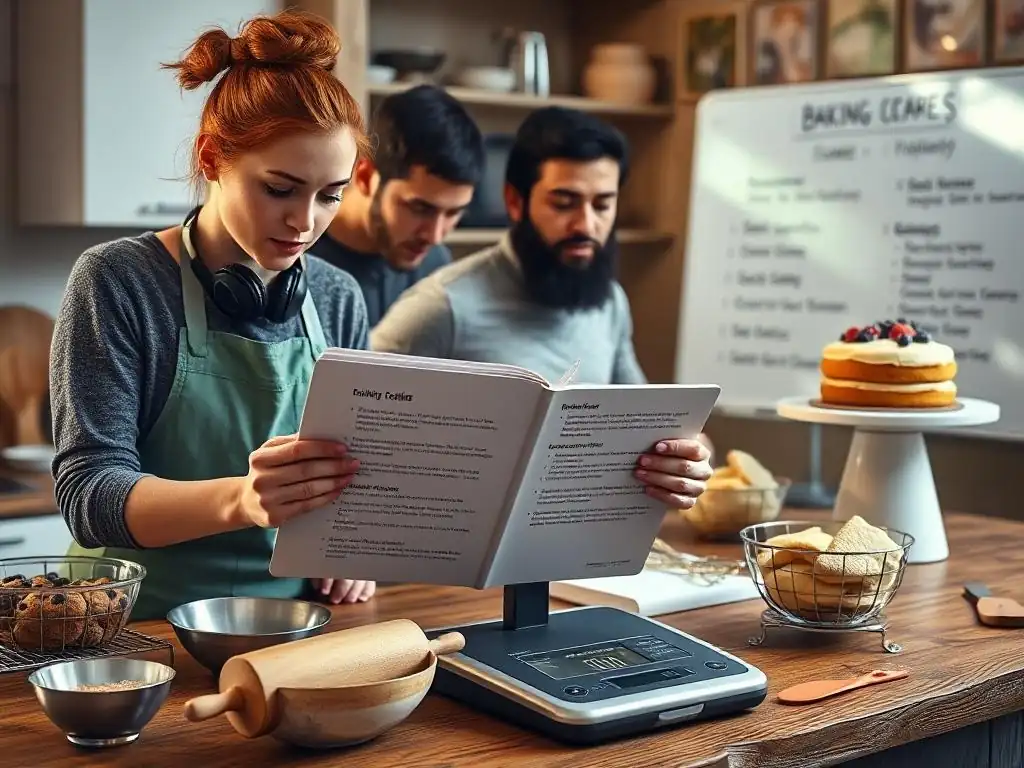
When selecting from the many baking recipe organization apps available, your personal baking habits and frequency are crucial factors. If you are a casual baker who whips up cookies or a cake occasionally, a free app like Cookmate or the free tier of BigOven might be perfectly sufficient. These apps provide basic storage and organization without requiring an investment, allowing you to transition away from paper clutter gradually. You can store your most frequently used recipes and explore the benefits of digital access without committing to a paid service.
However, if you are a passionate, frequent baker who regularly experiments with new recipes, tackles complex bakes like sourdough or intricate pastries, and perhaps even bakes for others, investing in a more powerful app like Paprika or Recipe Keeper is likely worthwhile. These apps offer features like robust web importing, ingredient scaling, and integrated timers that significantly streamline the process for high-volume or complex baking.
Their advanced organization and search capabilities become invaluable when managing a collection of hundreds or even thousands of recipes. Consider how much time you spend searching for recipes or dealing with recipe inefficiencies currently; a paid app could save you significant time and frustration in the long run.
Key Features to Look for in a Baking Recipe Organizer App
Beyond basic storage, several features can greatly enhance a baking recipe organization app's utility for home bakers. A reliable web importer is arguably one of the most time-saving features, allowing you to quickly grab recipes from your favorite food blogs. Look for an app with a high success rate on a variety of sites. Robust organization options, including custom categories, tags, and powerful search filters (by ingredient, keyword, rating, etc. ), are essential for keeping a large collection manageable.
Other useful features include:
- Ingredient Scaling: Automatically adjust ingredient quantities for different batch sizes. Crucial for bakers who frequently double or halve recipes.
- Integrated Timers: Timers linked directly to recipe steps, making it easy to manage multiple timings during a bake.
- Grocery List Generation: Automatically create shopping lists from selected recipes, ideally with options to organize by aisle or consolidate duplicates.
- Cross-Device Sync: Ensures your recipes are available and up-to-date on your phone, tablet, and computer.
- Offline Access: Ability to view recipes even without an internet connection, useful in kitchens with spotty Wi-Fi.
- Notes/Modifications: The ability to add personal notes or track changes you made to a recipe and the results.
- Photo Support: Add photos of your finished bakes to your recipes.
Prioritize the features that are most important to your baking process. If you rarely bake from websites but have hundreds of handwritten recipes, manual entry and good organization tools are key. If you constantly find recipes online, a top-tier web importer should be a priority.
Budget Considerations: Free vs. Paid Baking Recipe Apps
Your budget will naturally influence your choice of baking recipe organization app. Free apps like Cookmate offer a no-cost entry point with unlimited storage, making them ideal for beginners or those with limited budgets. They provide the fundamental ability to digitize and organize your collection. However, be prepared for potential limitations in features, inconsistent web importing, and the presence of ads.
Paid apps, whether through a one-time purchase (Paprika, Mela) or a subscription (Recipe Keeper, BigOven Pro), offer a more polished experience and a wider range of advanced features. One-time purchases can be more cost-effective in the long run, especially if you use the app for many years and across multiple devices (factoring in buying it for each platform). Subscriptions offer continuous updates and often cloud syncing, but the cost adds up over time.
Consider how much you value features like seamless web importing, automatic scaling, offline access, and an ad-free experience. If these significantly improve your baking workflow, the investment in a paid app is likely justified. Many paid apps offer free trials or limited free tiers, allowing you to test their core functionality before making a purchase decision.
Maximizing Your Baking Efficiency with Recipe Organization Apps
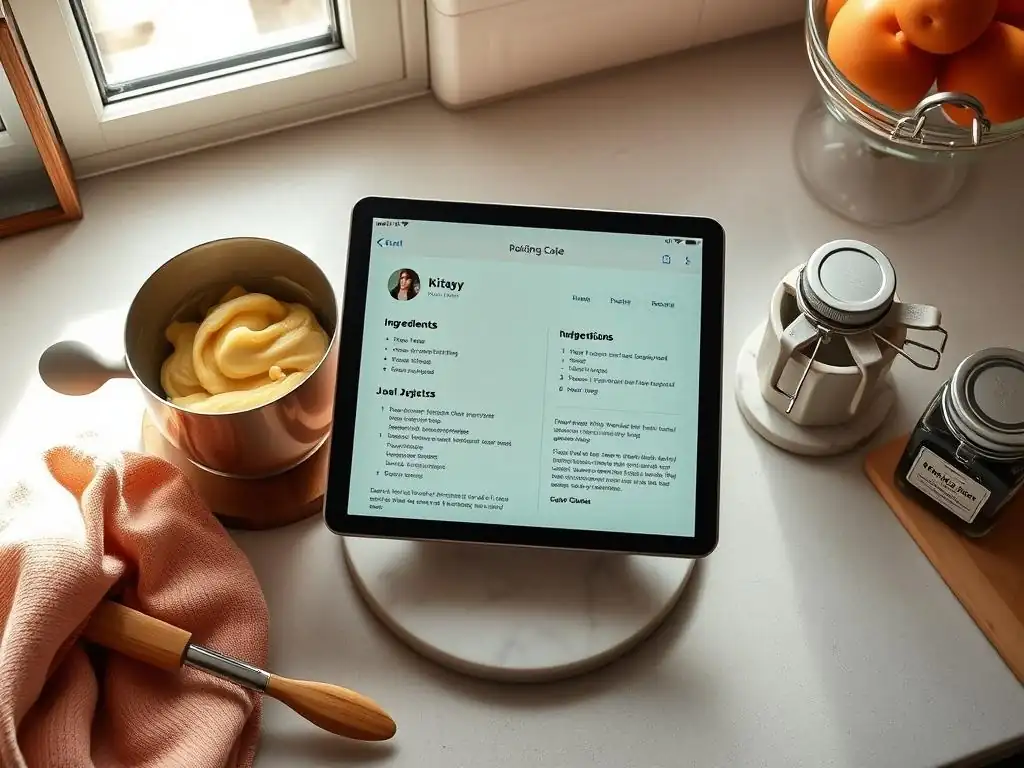
Importing Existing Recipes: Tips and Tricks for a Smooth Transition
Transitioning your existing recipe collection into a digital baking recipe organization app can seem daunting, especially if you have years' worth of cookbooks, printouts, and handwritten notes. The key is to approach it systematically. Start with your most frequently used recipes – the ones you bake every week or month. Use the app's web importer for recipes found online; this is usually the fastest method.
For recipes from cookbooks or handwritten notes, manual entry is necessary. Try to dedicate specific blocks of time each week to this task, rather than trying to do it all at once. Even adding just 5-10 recipes per session will build your digital library surprisingly quickly.
Leverage features like taking photos. Most apps allow you to attach photos to recipes. Take clear pictures of handwritten cards or cookbook pages as a temporary measure if you don't have time for full manual entry immediately. You can always go back and type them out later. Use the app's organizational tools from the start.
Create categories as you go ("Cookies," "Cakes," "Pies," "Sourdough," etc.) and add relevant tags ("Chocolate," "Gluten-Free," "Holiday"). This upfront organization will make searching much easier down the line. Some apps also support importing from text files or other formats, so if you have recipes saved digitally in other ways, explore those options. Be patient with the process; building a comprehensive digital collection takes time, but the long-term benefits in efficiency are immense.
Creating a Baking Recipe Database That Works For You
The true power of baking recipe organization apps lies in creating a personalized database that mirrors your baking needs and habits. Don't just dump recipes in; actively structure your collection. Think about how you typically look for a recipe. Do you search by the type of baked good? By a key ingredient you want to use up? By the occasion? Use categories and tags to reflect these search patterns. For example, a recipe for "Chocolate Chip Cookies" could be in the "Cookies" category and have tags like "Chocolate," "Classic," "Quick," and "Kid-Friendly."
Regularly review and refine your organization system. As your collection grows, you might find you need more specific categories (e.g., splitting "Bread" into "Yeasted Bread," "Quick Bread," "Sourdough"). Take advantage of features that allow you to rate recipes or add personal notes.
After baking a recipe, add comments about modifications you made, how it turned out, or suggestions for next time. This turns a static recipe into a living document that evolves with your baking experience. A well-organized and annotated digital collection in your baking recipe organization app becomes a powerful tool for improving your skills and ensuring consistent, delicious results.
One of the great joys of baking is sharing the results, and many baking recipe organization apps facilitate sharing the recipes themselves. Most apps allow you to easily export or share individual recipes via email, messaging apps, or by generating a link. This is incredibly convenient compared to photocopying or re-typing. If you frequently share recipes with a specific group, look for apps with built-in sharing features or the ability to create shared recipe collections (like Recipe Keeper's family sync or BigOven's community features).
For collaborative baking projects or family recipe collections, features that allow multiple users to access and potentially edit the same recipe database are invaluable. This ensures everyone is working from the most current version of a recipe, complete with any recent notes or modifications. While not all baking recipe organization apps offer robust collaboration, those that do can significantly enhance the experience for baking groups or families who share a passion for creating delicious treats together. Explore the sharing options of potential apps to see which best fits how you interact with your baking circle.
Mastering Baking Recipe Management: Conclusion and Recommendations
The Best Baking Recipe App for Bread Bakers
For dedicated bread bakers, specific features can make a baking recipe organization app particularly useful. Bread baking often involves precise timings, multiple steps (like proofing, kneading, shaping, baking), and tracking hydration percentages or starter activity. While no single app is built exclusively for bread, certain features in general recipe managers are highly beneficial. Apps with robust note-taking capabilities are crucial for tracking sourdough starter feeding schedules or specific timings and temperatures used in different bakes. The ability to add multiple photos to a recipe is great for documenting the different stages of bread proofing or the final crumb structure.
Apps like Paprika and Recipe Keeper stand out for bread bakers due to their reliable structure and features. Paprika's integrated timers are excellent for managing proofing and baking times. Its detailed notes section allows for logging specific observations about flour types used, ambient temperature, or fermentation progress. Recipe Keeper offers similar strong organization and note features. While neither app has features specifically tailored only for sourdough hydration calculations, their core strength in detailed recipe management, note-taking, and reliable cross-device access makes them highly suitable for the intricate world of bread baking.
The Best Baking Recipe App for Beginner Bakers
Beginner bakers need a baking recipe organization app that is easy to use, not overwhelming, and ideally free or inexpensive to start with. The app should simplify the process of finding recipes and following instructions, rather than adding complexity. A clean interface and straightforward recipe display are key. Web importing is helpful, but manual entry should also be simple for adding recipes from basic cookbooks or family notes.
Cookmate is an excellent starting point for beginner bakers due to its free, unlimited storage and simple interface. It allows beginners to dip their toes into digital organization without any financial commitment. The free tier of BigOven is also a good option, providing access to a vast library of community recipes for inspiration, alongside basic personal recipe saving.
If a beginner is already within the Apple ecosystem and values design, the one-time purchase of Mela could be considered for its intuitive interface and easy web saving, though its cost is higher than free options. The goal for a beginner is to find an app that encourages them to organize their recipes digitally and makes baking more accessible, rather than creating a barrier to entry.
Final Thoughts on Streamlining Your Baking Process with Digital Organization
Embracing baking recipe organization apps is a transformative step for any home baker looking to bring order to their kitchen chaos and enhance their efficiency. Moving away from scattered paper recipes means you spend less time searching and more time doing what you love: baking. The right app centralizes your collection, makes recipes instantly searchable, simplifies grocery list creation, and can even provide helpful tools like timers and ingredient scaling.
Whether you choose a powerful paid app like Paprika or Recipe Keeper for their comprehensive features, a community-focused platform like BigOven for inspiration, a free option like Cookmate for simplicity, or a design-forward app like Mela for its elegance (on iOS), the benefits of digital organization are clear. Start by assessing your needs: how often you bake, the size of your collection, your budget, and the devices you use.
Take advantage of free trials or free tiers to test apps before committing. By investing a little time in setting up your digital recipe library using one of these fantastic baking recipe organization apps, you'll create a streamlined, efficient, and enjoyable baking experience for years to come.
Frequently Asked Questions
How can baking recipe organization apps help me?
These apps help you digitally store, easily search, and efficiently manage your baking recipes, eliminating paper clutter and making it simpler to find what you need.
What features should I look for in a baking recipe organization app?
Look for features like recipe importing, tagging/categorization, ingredient scaling, and offline access for convenient baking in the kitchen.
Are there any free baking recipe organization apps available?
Yes, many apps offer free basic versions with limited features, allowing you to try them out before committing to a paid subscription for more advanced capabilities.
Can I import recipes from websites and cookbooks directly into these apps?
Many apps offer recipe importing tools that allow you to copy and paste URLs or manually input recipes from various sources, including websites and physical cookbooks.
How do these apps help with meal planning and grocery shopping?
Some apps offer features to create meal plans based on your recipes and generate shopping lists by automatically extracting ingredients from the selected recipes.
Final Reflection: The Sweet Taste of Organized Baking
The quest for the perfect recipe, once a chaotic hunt through overflowing recipe boxes and dog-eared notebooks, is now a streamlined, digital delight. Finding the right baking recipe app can transform your baking experience from frustrating to fulfilling, unlocking a world of culinary creativity previously hidden beneath layers of paper and sticky notes.
The impact of readily accessible, organized recipes extends far beyond mere convenience. It fosters a deeper connection with the baking process itself. By eliminating the hunt, we free ourselves to focus on the artistry, the precision, and the sheer joy of creating something delicious. Baking is at once child's play and adult joy. And love, of course.
This quote perfectly encapsulates the transformative power of organized baking – it allows us to rediscover the simple pleasures and the profound satisfaction inherent in the craft.
Now, it's your turn. Consider how a well-organized digital recipe collection can enhance your own baking journey. Download one of the apps discussed, experiment with its features, and let the sweet scent of success fill your kitchen. Embrace the simplicity, the efficiency, and the joy of organized baking – your taste buds (and your sanity!) will thank you.
Unleash Your Inner Baking Maestro!
Thanks for joining us on this delicious journey into recipe organization! We hope you've discovered some amazing apps to help streamline your baking process and inspire your next culinary masterpiece. Ready to take your baking to the next level?
- Embrace the Organized Baker: Download your favorite app from the list and start importing those recipes! This is the key to unlocking effortless baking.
- Share the Baking Love: Tell your fellow baking enthusiasts about your newfound organizational prowess! Share this article on social media and spread the joy.
- Unleash Your Creativity: Now that your recipes are organized, experiment with new flavor combinations and techniques! What exciting creations will you bake next?
What innovative baking project are you ready to tackle now that your recipes are perfectly organized?