Digitalize Your Family Recipes: MustHave Apps for Bakers

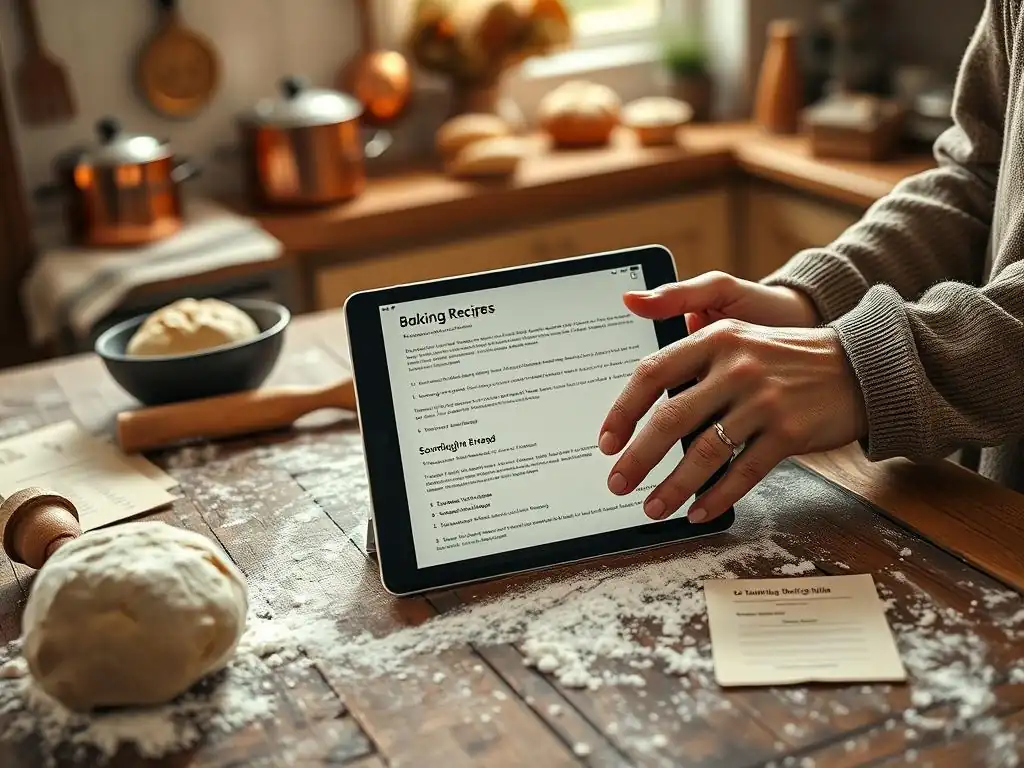
Welcome to BakeWithEase, where we believe everyone can create delicious treats! Ready to ditch the handwritten recipe cards and embrace the digital age of baking? This month we are exploring "Baking Software & Apps" and diving deep into the world of digital baking companions. Are you looking for the best baking app for beginners? We've curated a list of must-have apps to streamline your kitchen adventures. Curious to discover which digital tools will transform your baking experience? Let's get started!
- Why Every Home Baker Needs a Digital Recipe Organizer
-
The Best Baking App for Beginners: Top 5 Digital Recipe Organizers in 2024
- 1. Whisk: The Intuitive Choice for Recipe Management
- 2. Paprika Recipe Manager: A Powerhouse for Serious Bakers
- 3. Recipe Keeper: The All-in-One Recipe Management Solution
- 4. Evernote: More Than Just Notes - A Flexible Recipe Database
- 5. Copy Me That: A Visual Approach to Recipe Planning and Organization
- Choosing the Right Digital Recipe Organizer: A Comparison Table
- Tips for Successfully Digitalizing Your Family Recipes
- Beyond the Basics: Advanced Features of Digital Recipe Apps for Baking Enthusiasts
- Level Up Your Baking: Recommended Tools to Use Along with Your Digital Recipe App
- Conclusion: Embrace the Future of Baking with Digital Recipe Management
-
Frequently Asked Questions
- What makes an app the best baking app for beginners?
- Does BakeWithEase.com have a recommended baking app?
- Are free baking apps sufficient for learning basic techniques?
- Can a baking app really help me improve my skills?
- What features should I look for in a baking app if I already have some experience?
- Final Reflection: The Sweet Legacy of Digitalized Recipes
- Unlock Your Family's Culinary Legacy!
Why Every Home Baker Needs a Digital Recipe Organizer
The Struggle is Real: From Handwritten Notes to Organized Baking
For many home bakers, the heart of their kitchen library isn't a pristine cookbook, but a collection of well-loved, often stained, handwritten recipe cards, torn-out magazine pages, and printouts stuffed into binders or overflowing drawers. Finding that specific recipe for Grandma's apple pie or the perfect chocolate chip cookie can turn into a frustrating treasure hunt, sifting through dozens, if not hundreds, of physical records.
Spills, tears, and fading ink are constant threats to these culinary heirlooms, making preservation a real challenge. The sheer volume of paper can feel overwhelming, a tangible barrier to simply getting started on a baking project.
This physical clutter and disorganization can be particularly daunting for beginners. Imagine trying to learn a new technique while also juggling loose papers and trying to decipher faded writing. It adds an unnecessary layer of complexity to an already new experience. A digital approach offers a clean slate, a way to impose order on chaos and make every recipe instantly accessible. It moves the focus from managing paper to simply enjoying the process of baking, ensuring that those cherished family recipes are safe and easy to use for generations to come.
Benefits of Using a Baking App for Beginners and Beyond
Transitioning to a digital recipe organizer unlocks a world of convenience that significantly enhances the baking experience, especially for newcomers. The most immediate benefit is accessibility; your entire recipe collection, from simple muffins to complex layered cakes, is available at your fingertips on a phone, tablet, or computer, whether you're in the kitchen or at the grocery store.
Searching for a specific recipe takes seconds, not minutes, allowing you to quickly find exactly what you need based on ingredients, category, or even a keyword like "chocolate." This ease of access removes a major hurdle for beginners, making spontaneous baking much more feasible.
Beyond simple storage and search, digital recipe apps offer powerful tools that grow with your baking skills. Many apps allow you to easily scale recipes to make larger or smaller batches, automatically recalculating ingredient amounts – a huge time-saver.
Planning a week's worth of baking or meals becomes simpler with integrated meal planning features, often generating a consolidated grocery list. For those looking for the best baking app for beginners, these features provide a supportive framework, helping them feel organized and confident as they explore new recipes and techniques, while also offering advanced capabilities they can utilize as they become more experienced bakers.
The Best Baking App for Beginners: Top 5 Digital Recipe Organizers in 2024
1. Whisk: The Intuitive Choice for Recipe Management
Whisk, now part of Samsung Food, has quickly become a popular digital hub for home cooks and bakers alike, offering a clean, intuitive interface focused on recipe discovery and organization. It positions itself as more than just a place to store recipes; it's a platform where users can collect, save, and share culinary inspiration from across the web. Its design prioritizes ease of use, making it a strong contender for anyone seeking the best baking app for beginners who appreciate a visually appealing and straightforward experience.
The app simplifies the process of saving recipes from websites with browser extensions and sharing features. It also fosters a sense of community, allowing users to follow others and explore curated recipe collections. While it offers robust features for seasoned cooks, its core functionalities – saving, organizing into collections, and basic meal planning – are presented in a way that is not overwhelming, providing a gentle introduction to digital recipe management for those just starting their baking journey.
Features of Whisk Ideal for New Bakers
Whisk offers several features that are particularly beneficial for someone just starting to bake. Its "Save to Whisk" functionality, often available as a browser extension or share option on mobile, makes it incredibly simple to capture recipes found online with just a few taps. The app does a good job of parsing the recipe, extracting ingredients and instructions clearly. This is crucial for beginners who might be sourcing recipes from various food blogs or websites.
Another helpful feature is the ability to organize saved recipes into custom collections. A beginner baker can create collections like "Easy Cookies," "First Breads," or "Cakes to Try," providing a clear structure to their growing digital cookbook. The integrated meal planning feature, while perhaps advanced for some, allows beginners to experiment with planning a few baking projects for the week and automatically generates a shopping list, simplifying the grocery trip.
Pricing and Subscription Options for Whisk
Whisk operates on a freemium model. The core recipe saving, organization, and basic meal planning features are available for free, which is excellent news for beginners who want to try digital organization without an upfront investment. This free tier is often sufficient for users who primarily need a place to store and access recipes they find elsewhere.
For users who want more advanced features, such as expanded meal planning capabilities, nutritional information, and potentially ad-free usage, Whisk offers a premium subscription. As of early 2024, premium plans might range from approximately $4.99 to $9.99 per month, though specific pricing can vary and is subject to change. The availability of a robust free tier makes Whisk a very accessible option for finding the best baking app for beginners without financial commitment.
Why Whisk is Perfect for Beginners: Ease of Use and Visual Appeal
Whisk stands out as an excellent choice for beginners primarily because of its user-friendly interface and visually appealing design. The app is designed to be intuitive; saving a recipe, adding it to a collection, or generating a shopping list feels natural and requires minimal technical know-how. The layout is clean and uncluttered, presenting recipes clearly and making them easy to follow step-by-step.
The emphasis on visual presentation, often displaying photos prominently, makes browsing recipes more engaging and less intimidating. For someone new to baking, a visually appealing app can make the learning process more enjoyable. Its strong web-saving capabilities mean that beginners can easily pull recipes from their favorite online sources and have them neatly organized in one place, making Whisk a top contender for the best baking app for beginners looking for simplicity and style.
2. Paprika Recipe Manager: A Powerhouse for Serious Bakers
Paprika Recipe Manager is renowned for its comprehensive feature set and robust performance, making it a favorite among home cooks and bakers who take their culinary organization seriously. While it might seem like a lot for a beginner, its powerful tools are presented in a logical structure that, once explored, becomes incredibly efficient. It excels at capturing recipes from virtually any website and providing extensive tools for organizing, planning, and cooking.
Unlike some apps that rely heavily on community features or subscriptions, Paprika is primarily a personal recipe management tool focused on functionality. It's available as a one-time purchase on various platforms, which appeals to users who prefer owning their software rather than paying recurring fees. Its strength lies in its ability to handle a large volume of recipes with sophisticated organizational options, making it a long-term solution for growing recipe collections.
Key Features of Paprika for Digital Recipe Organization
Paprika boasts a formidable set of features for digital recipe organization. Its built-in browser is exceptional at detecting and downloading recipes from websites, often with remarkable accuracy in identifying ingredients, instructions, and yield. Users can then easily edit these imported recipes, add personal notes, difficulty ratings, and photos.
Organization is handled through categories, subcategories, and multiple folders, allowing for highly granular sorting. A baker could categorize by "Desserts," then subcategorize by "Cakes," "Cookies," "Pies," and further sort into folders like "Chocolate Cakes," "Fruit Pies," etc. The powerful search function allows filtering by keyword, ingredient, category, or even nutritional data if entered. Furthermore, Paprika includes tools for scaling recipes, converting measurements, and integrated meal planning and grocery lists.
Paprika's Cross-Platform Syncing: Bake Anywhere, Access Everywhere
One of Paprika's most compelling features is its seamless cross-platform syncing. Once purchased on different devices (e.g., iOS, Android, Windows, macOS), the app uses its own cloud service to keep your entire recipe collection synchronized automatically. This means you can save a recipe on your computer, plan your meals on your tablet, and access the grocery list on your phone while at the store.
This level of synchronization ensures that your digital recipe box is always up-to-date and accessible from any device you use in your kitchen or on the go. For bakers who use multiple devices or want the flexibility to access their recipes from their desktop for planning and their tablet for cooking, Paprika's reliable sync is a significant advantage. While the initial purchase on multiple platforms adds up, the one-time cost provides long-term, ubiquitous access to your organized recipes.
3. Recipe Keeper: The All-in-One Recipe Management Solution
Recipe Keeper positions itself as a comprehensive tool designed to manage your entire recipe collection, regardless of its original format. It aims to be the single digital home for all your recipes, whether they come from websites, cookbooks, magazines, or handwritten cards. Its focus is on providing a robust set of tools for importing, organizing, planning, and using recipes in the kitchen.
The app supports various input methods, including web import, typing in recipes manually, and even scanning text (though accuracy can vary). It offers detailed organizational features and integrated tools like meal planning and grocery lists. This all-in-one approach makes it appealing to users who want a single, powerful application to handle all aspects of their recipe management needs.
Recipe Keeper's Powerful Search and Categorization Features
Recipe Keeper offers sophisticated search and categorization capabilities that make finding specific recipes quick and efficient. Users can organize recipes into categories, add tags, and include detailed notes or descriptions. The search function allows filtering by multiple criteria, such as ingredients included or excluded, categories, rating, or keywords within the recipe title or text.
This level of detail in organization is incredibly useful as your recipe collection grows. You can easily find all your "Chocolate Chip Cookies" tagged as "Quick" and "Kid-Friendly," or search for recipes that use leftover buttermilk but don't contain nuts. The ability to add custom fields or notes also allows you to track modifications you've made or notes on how a particular bake turned out.
Recipe Scaling and Measurement Conversion with Recipe Keeper
Recipe Keeper includes built-in tools for scaling recipes and converting measurements, essential features for any active baker. The recipe scaling feature allows you to easily adjust the yield of a recipe (e.g., doubling a batch of brownies or halving a loaf of bread dough). The app automatically calculates the new ingredient quantities, saving you the manual math and potential errors.
Additionally, the app often provides measurement conversion utilities, allowing you to switch between imperial (cups, ounces, Fahrenheit) and metric (grams, milliliters, Celsius) units. This is particularly useful when using recipes from different sources or adapting a recipe to your preferred kitchen tools. For instance, you can quickly convert 250 grams of flour to cups or see what 350°F is in Celsius (approx. 175°C).
4. Evernote: More Than Just Notes - A Flexible Recipe Database
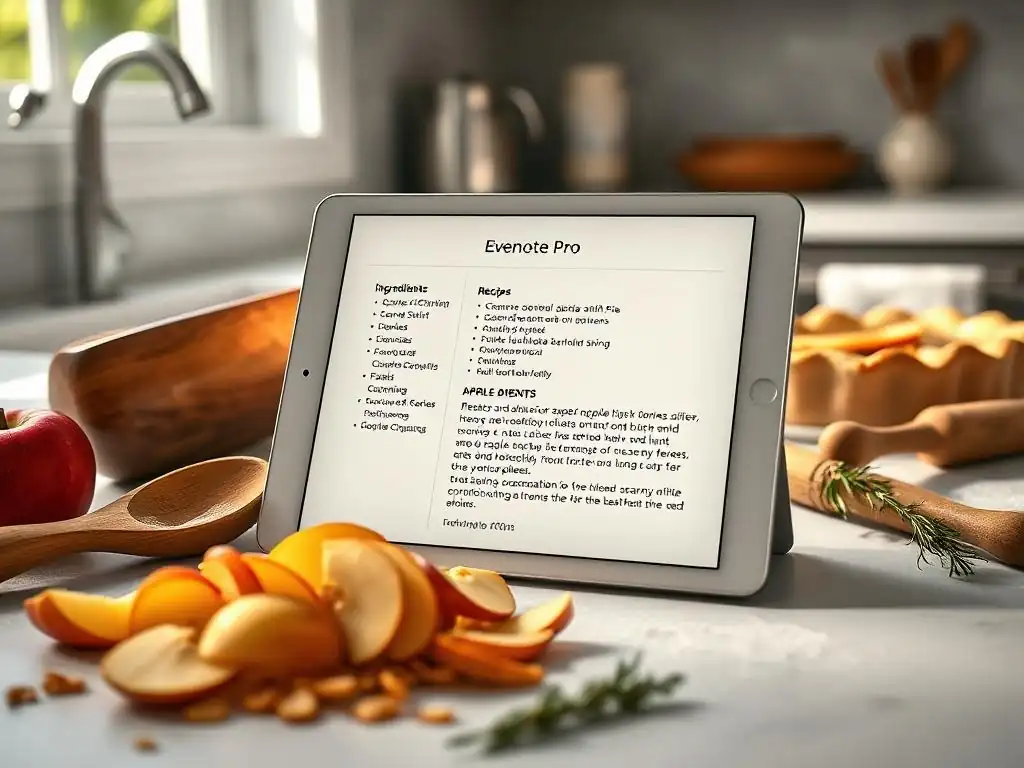
Evernote is widely known as a powerful note-taking and organization tool, capable of storing text, images, web clippings, audio notes, and more. While not specifically designed as a recipe app, its flexibility and robust search capabilities make it an excellent platform for creating a highly customizable digital recipe database. For users already familiar with or using Evernote for other purposes, it can be a natural fit for managing recipes without needing another dedicated app.
The strength of using Evernote for recipes lies in its unstructured yet searchable nature. You can create notes for individual recipes, include photos of handwritten cards or finished dishes, clip recipes directly from the web using the Evernote Web Clipper, and even attach PDFs. The key to making it work effectively as a recipe organizer is leveraging its tagging and notebook system.
Using Evernote's Tagging System to Organize Your Baking Recipes
Evernote's tagging system is arguably the most powerful tool for organizing recipes within the platform. Instead of being limited to hierarchical categories, you can apply multiple tags to a single recipe note. For example, a note for "Chocolate Chip Cookies" could be tagged with "Cookies," "Chocolate," "Classic," "Family Favorite," and "Quick."
This allows for highly flexible retrieval. You can pull up all notes tagged "Cookies," or narrow it down to notes tagged both "Cookies" and "Quick." As your recipe collection grows, a well-thought-out tagging system makes it incredibly easy to find recipes based on ingredients, type, occasion, difficulty, or any other criteria you define. Consistency in tagging is key to making this system effective.
Creating Digital Recipe Cards in Evernote: Tips and Tricks
Creating digital recipe cards in Evernote involves structuring individual notes to contain all the necessary information. A simple approach is to create one note per recipe. Start with the recipe title, perhaps using a consistent format (e.g., "Recipe: Grandma's Apple Pie"). Within the note, use headings (like ## Ingredients and ## Instructions) or bold text to clearly separate sections.
You can type out recipes, copy and paste from digital sources, or even insert photos of handwritten cards or cookbook pages directly into the note. Use checkboxes (task lists) for ingredients or steps that you want to mark off while baking. Adding tags (as discussed above) and placing notes into relevant notebooks (e.g., a "Baking Recipes" notebook) further enhances organization. Evernote's powerful search will look through the note title, content, and even text within attached images or PDFs (with a paid subscription), making your recipes highly discoverable.
5. Copy Me That: A Visual Approach to Recipe Planning and Organization
Copy Me That is a web-based and app platform designed with a strong emphasis on collecting recipes from the internet and making them easy to cook from and plan meals with. It takes a more visual approach to recipe management, often displaying recipe photos prominently. It's particularly good at simplifying the process of capturing recipes you find online and turning them into usable, organized entries.
The platform focuses on practical features for home cooks, such as meal planning, grocery list generation, and the ability to adapt recipes. Its user-friendly interface makes it accessible, and its core functionality revolves around making online recipes easily "copied" and managed in your personal collection.
Building a Recipe Collection with Copy Me That: Visual Organization
Building a recipe collection in Copy Me That is primarily done through its browser extension or bookmarklet. When you're on a recipe page online, clicking the extension attempts to "copy" the recipe into your account, extracting the title, ingredients, instructions, and often the main photo. This visual representation with the photo attached to each entry makes browsing your collection appealing and easy to recognize recipes at a glance.
Recipes can be organized into categories or tags. The visual grid layout of the recipe library allows you to quickly scroll through your saved items, making it simple to find inspiration based on how the finished dish looks. This visual emphasis is a key differentiator and helps users quickly identify the recipes they are looking for.
Adapting Recipes to Preferences and Dietary Needs Using Copy Me That
Copy Me That provides tools that allow users to easily adapt saved recipes to their personal preferences or dietary needs. Once a recipe is copied into your account, you can often edit it directly. This means you can swap ingredients (e.g., replace dairy milk with almond milk), adjust quantities, add or remove steps, or include personal notes based on previous attempts.
This adaptability is valuable for bakers who need to make substitutions for allergies, dietary restrictions (like going gluten-free or vegan), or simply to tweak a recipe to their liking. The ability to modify a saved version without altering the original source allows you to keep a record of your successful variations, making it easier to recreate perfect bakes tailored specifically to your needs.
Choosing the Right Digital Recipe Organizer: A Comparison Table
Side-by-Side Feature Comparison: Whisk, Paprika, Recipe Keeper, Evernote, Copy Me That
When evaluating the best baking app for beginners or any baker, comparing key features is crucial. Whisk stands out for its ease of web clipping and community features, presented in a very user-friendly interface. Paprika excels in its robust web-clipping accuracy, comprehensive organization tools (categories, subcategories, folders), and powerful built-in features like scaling, conversion, and offline access.
Recipe Keeper offers a strong all-in-one approach with good import options and detailed search. Evernote, while not a dedicated recipe app, provides unmatched flexibility in organization via tagging and the ability to store various content types (photos, PDFs) alongside recipes. Copy Me That is strong in web clipping and offers a visually driven interface with integrated meal planning.
Consider features like web clipping accuracy (Paprika is often cited as best), organizational flexibility (Evernote's tags vs. others' categories/folders), built-in cooking tools (scaling, conversion, timers - common in Paprika, Recipe Keeper), meal planning/grocery list integration (present in most dedicated apps), and offline access (Paprika is strong here). The "best" depends on which features are most important to your baking workflow.
Pricing and Value: Which App Offers the Best Bang for Your Buck?
The pricing models for these apps vary significantly, impacting their perceived value. Whisk offers a free tier that is quite functional for basic recipe saving and organization, with a premium subscription for advanced features (around $5-10/month). This makes it very accessible for beginners to start without cost. Paprika typically requires a one-time purchase per platform (e.g., roughly $5-20 depending on the platform), which can add up if you need it on multiple devices, but there are no recurring fees. This model offers long-term value for dedicated users.
Recipe Keeper is often a one-time purchase app (potentially with optional subscriptions for cloud sync or premium features), possibly in the $5-15 range initially. Evernote has a free tier with limitations and requires a paid subscription (starting around $8-15/month) for significant storage, features, and cross-device sync.
Copy Me That has a free tier with ads and limitations, offering a paid subscription for full features and ad removal (pricing varies, potentially $2-5/month or a yearly fee). For a beginner looking for the best baking app for beginners on a budget, Whisk's free tier or the one-time cost of Paprika or Recipe Keeper (if affordable) might offer the best initial value compared to Evernote's subscription model.
Best Baking Recipe App for Beginners: Our Overall Recommendation
Considering ease of use, initial cost, and core features relevant to someone starting out, Whisk is often recommended as the best baking app for beginners. Its free tier provides ample functionality to get started with digital organization, its interface is intuitive and visually appealing, and its web-clipping is straightforward. It removes many potential barriers to entry.
However, the "best" app is ultimately subjective. If a beginner anticipates quickly building a large collection and values robust offline access and precise web clipping, Paprika might be a better long-term investment despite a potential upfront cost. If they are already an Evernote user, leveraging that platform might be easiest. For those prioritizing a visual approach and easy meal planning from online sources, Copy Me That is a strong choice. We encourage beginners to explore the free versions or trials offered to see which interface and feature set resonates most with their personal style.
Tips for Successfully Digitalizing Your Family Recipes
Scanning Handwritten Recipes: Best Practices for Clarity
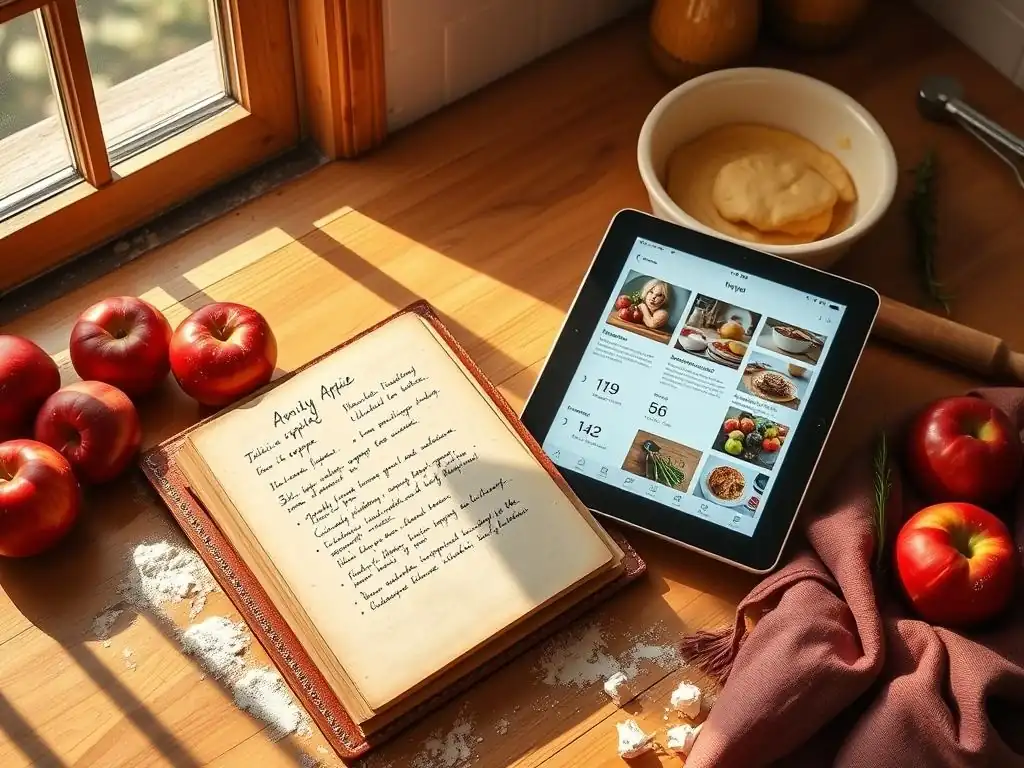
Digitalizing handwritten family recipes is a wonderful way to preserve culinary history, but it requires care to ensure clarity and longevity. When scanning, use good lighting to avoid shadows and place the recipe flat on a clean surface. Aim for a resolution of at least 300 DPI (dots per inch); this resolution captures sufficient detail for text to remain legible and potentially even searchable by OCR (Optical Character Recognition) software later. Smartphone scanning apps can be quite effective, often having built-in features to enhance contrast and straighten the image.
Save scanned recipes in a standard image format like JPG or PNG, or as a PDF. Naming files consistently (e.g., "Grandma_ApplePie_1950s.jpg" or "AuntCarol_SugarCookies.pdf") will make them easy to find later, even outside of a dedicated recipe app. If the recipe is on both sides of a card, scan both and either save them as a multi-page PDF or link the images together in your digital recipe entry. Consider adding notes about the recipe's history or the person it came from during the digitalization process.
Tagging and Categorizing Your Recipes for Easy Retrieval
Once your recipes are digital, whether typed out or scanned images, implementing a consistent system for tagging and categorization is vital for easy retrieval. Most digital recipe apps offer categories (like "Desserts," "Main Courses," "Breakfast") and/or tags (more flexible keywords like "Quick," "Holiday," "Vegan," "Chocolate," "Under 30 Mins"). Decide on a system that makes sense for how you search for recipes.
Apply relevant tags or assign categories to each recipe. A recipe might belong to the "Cakes" category but also have tags like "Chocolate," "Birthday," and "Easy." Including notes like the source ("From Mom's old cookbook"), the date you first made it, or successful variations you've tried further enhances the usefulness of the digital entry. A well-tagged and categorized collection means you can find a recipe based on multiple criteria, saving time and frustration compared to flipping through physical pages.
Backing Up Your Digital Recipe Collection: Protect Your Baking Heritage
Protecting your digital recipe collection is just as important as preserving physical copies. Digital files are susceptible to loss from hardware failure (phone crash, computer hard drive failure), accidental deletion, or issues with the app or service you are using. Implementing a backup strategy ensures that your digitalized family recipes and curated collection are safe.
Many digital recipe apps offer their own cloud sync or backup services (sometimes requiring a paid subscription). Utilize these features if available. Additionally, consider exporting your recipe collection periodically (if the app supports it) and storing the export file in a separate location. This could be a cloud storage service like Google Drive, Dropbox, or iCloud, or an external hard drive. Aim to back up regularly, perhaps quarterly or after adding a significant number of new recipes. A simple routine can prevent the heartbreaking loss of irreplaceable culinary history.
Beyond the Basics: Advanced Features of Digital Recipe Apps for Baking Enthusiasts
Meal Planning and Grocery List Integration
For baking enthusiasts who plan their projects or meals ahead of time, integrated meal planning is a powerful feature found in many digital recipe apps. This functionality typically allows users to drag and drop saved recipes onto a calendar view to plan out their week or month of baking or cooking. This visual planning makes it easy to see what's coming up and ensure a variety of bakes.
The real time-saving benefit comes from the automatic grocery list generation. Once recipes are added to the meal plan, the app compiles a list of all the required ingredients. It often groups similar items (e.g., all dairy, all produce) and allows you to check off items as you add them to your cart in the store. Some apps even allow you to add non-recipe items to the list, making it a single point of truth for your entire shopping trip. This integration streamlines the entire process from planning to shopping.
Converting Recipes and Adjusting Measurements
Adapting recipes is a common practice for bakers, whether it's scaling a recipe up to feed a crowd or down for a smaller batch, or converting measurements between different systems. Many advanced digital recipe apps include built-in tools to handle these tasks automatically. With a scaling feature, you can input the desired yield (e.g., double the recipe, half the recipe), and the app recalculates all ingredient quantities proportionally.
Measurement conversion tools are equally valuable. If you find a recipe online that lists ingredients in grams but you prefer to measure in cups, or vice versa, the app can perform the conversion for you. Similarly, converting oven temperatures between Fahrenheit (common in the US) and Celsius (common elsewhere, approx. 175°C = 350°F) or even to Gas Mark becomes effortless. These tools save time, reduce the risk of mathematical errors, and make it easier to use recipes from diverse sources.
Many digital recipe apps offer features that facilitate sharing recipes with others, whether it's a direct share with friends and family or contributing to a larger online community. While we can't provide specific links here, some platforms allow you to easily export a recipe in a standard format (like PDF or a specific app format) or even share a web link to your version of a recipe hosted within the app's ecosystem.
Sharing your successful bakes and digitalized family recipes can be a rewarding experience. It allows you to pass on culinary traditions or simply share creations you're proud of with fellow baking enthusiasts. Some apps have built-in community features where users can publish recipes, comment, and interact. We encourage members of the BakeWithEase community to explore the sharing options within their chosen best baking app for beginners or advanced organizer and connect with others who share their passion.
Level Up Your Baking: Recommended Tools to Use Along with Your Digital Recipe App
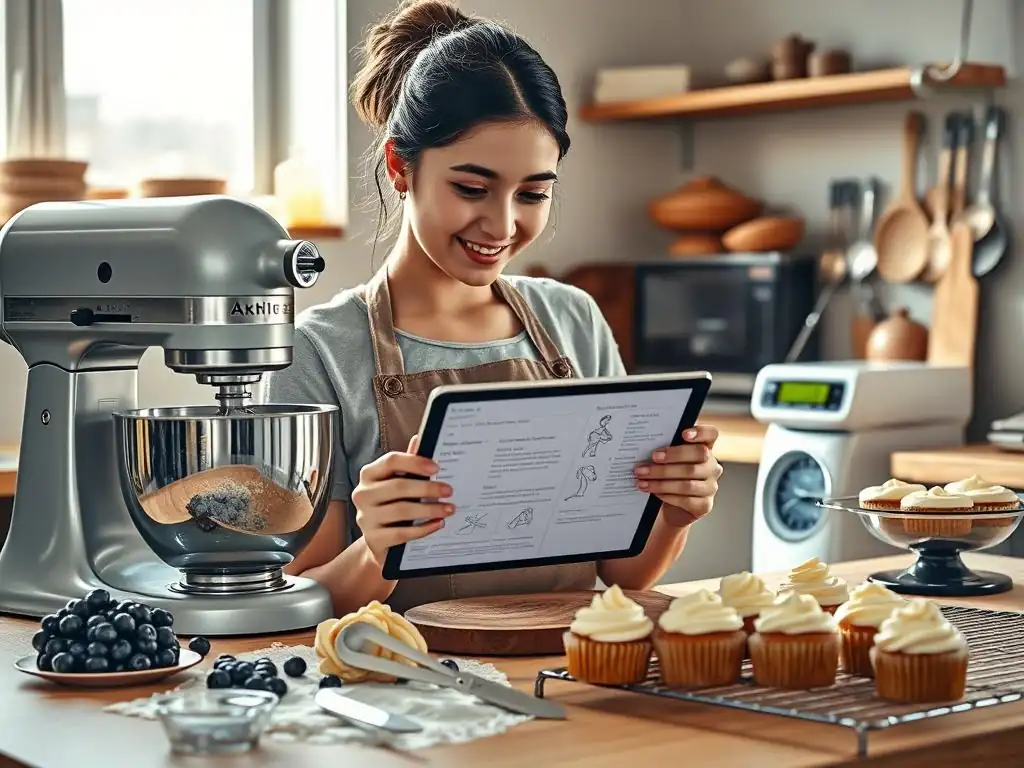
Digital Kitchen Scale for Precise Measurements
Precision is paramount in baking, and a digital kitchen scale is arguably the most important tool for achieving consistent results, especially when used alongside a digital recipe app. Unlike volume measurements (cups, tablespoons), which can vary based on how ingredients are packed, weight measurements (grams, ounces) are exact. For instance, a cup of flour can weigh anywhere from 100g to 140g depending on how it's scooped, while 120g of flour is always 120g.
Using a digital scale ensures you are adding the precise amount of each ingredient called for in a recipe, leading to more predictable outcomes. Many digital recipes, particularly from professional sources, list ingredients by weight. A reliable digital scale, often available for around $20 to $50, is an indispensable companion to your digital recipe collection, helping you master techniques and replicate results consistently.
Instant-Read Thermometer for Perfect Baking Temperatures
Temperature plays a critical role in baking, from ensuring your yeast dough is proofing at the right temperature to checking the doneness of bread or tempering chocolate. An instant-read thermometer provides quick and accurate temperature readings, removing guesswork and preventing common baking failures like underbaked bread or failed meringues.
Use an instant-read thermometer to check the internal temperature of baked goods (lean bread is typically done between 190-210°F or 88-99°C), verify the temperature of liquids for activating yeast (usually around 105-115°F or 40-46°C), or ensure sugar syrups reach specific stages for candies or frosting bases. It's a relatively inexpensive tool, often costing between $15 and $40, that offers significant value in improving baking accuracy and success.
Stand Mixer for Effortless Dough Preparation
For bakers who frequently make bread, cakes, cookies, or meringues, a stand mixer is a game-changer. While not strictly necessary, it automates physically demanding tasks like kneading dough, creaming butter and sugar for extended periods, or whipping egg whites to stiff peaks. This saves significant time and effort, allowing you to focus on other aspects of the baking process.
A stand mixer ensures consistent mixing and kneading, which is crucial for proper gluten development in bread dough or achieving light and airy cake batters. Different attachments (paddle, whisk, dough hook) cater to various tasks. While a significant investment, typically ranging from $200 upwards depending on the model and brand, a stand mixer is a valuable tool that makes tackling more complex or larger-batch recipes much more manageable and enjoyable.
Conclusion: Embrace the Future of Baking with Digital Recipe Management
Digitalizing your family recipes and organizing your culinary collection with a dedicated app is a transformative step for any home baker. It moves your cherished recipes from potentially fragile physical formats into a secure, searchable, and accessible digital library. Whether you're a complete beginner looking for the best baking app for beginners to start your journey or an experienced baker seeking efficient organization and advanced tools, there's a digital solution that can meet your needs.
From simple saving and categorization to integrated meal planning and automatic measurement conversions, these apps offer features that streamline your baking process, save time, and help you achieve more consistent results. Paired with essential tools like a digital scale and instant-read thermometer, a digital recipe organizer empowers you to explore new recipes with confidence and easily revisit beloved family classics. Embrace the convenience and power of digital recipe management and elevate your baking experience.
Frequently Asked Questions
What makes an app the best baking app for beginners?
A great app for beginners should offer simple, easy-to-follow recipes, clear instructions, and a user-friendly interface. Bonus points for features like ingredient scaling and helpful tips.
Does BakeWithEase.com have a recommended baking app?
While BakeWithEase.com doesn't explicitly endorse one app, we encourage exploring apps with features like recipe organization and conversion tools that complement our website's resources.
Are free baking apps sufficient for learning basic techniques?
Many free baking apps offer a good starting point with basic recipes and tutorials. However, paid versions often provide more advanced techniques and ad-free experiences.
Can a baking app really help me improve my skills?
Yes, a good baking app can significantly improve your skills by providing step-by-step guidance, visual aids, and opportunities to practice new techniques.
What features should I look for in a baking app if I already have some experience?
Experienced bakers might look for features like advanced recipe customization, nutritional information, and integration with smart kitchen appliances for precise control.
Final Reflection: The Sweet Legacy of Digitalized Recipes
The accessibility of technology has revolutionized how we approach even the most cherished traditions, and the art of baking is no exception. No longer are family recipes confined to faded index cards or whispered secrets; they're now readily available, shareable, and adaptable through the power of digital tools. This accessibility democratizes baking, making it easier than ever for anyone to explore this creative and rewarding hobby.
The impact of digital recipe management extends beyond mere convenience. It's about preserving culinary heritage for future generations. By digitizing our family recipes, we're not just organizing ingredients; we're safeguarding memories, stories, and traditions that would otherwise risk being lost to time. This act of digital preservation is a powerful way to connect with our past and build a stronger sense of family identity. Food is symbolic of love when words are inadequate.
- Alan D. Wolfelt. This sentiment rings especially true when considering the emotional weight carried by family recipes passed down through generations.
Now, consider your own culinary heritage. What treasured recipes are waiting to be digitized? Take the time to document them, not just for yourself, but for the bakers who will follow in your footsteps. Embrace the opportunity to share your culinary legacy, to inspire others, and to ensure that the sweet traditions of your family continue to flourish for years to come. Start small, choose one recipe, and experience the joy of preserving a piece of your history, one delicious digital bite at a time.
Unlock Your Family's Culinary Legacy!
Thanks for taking the time to explore the amazing world of recipe apps! You've now got the tools to preserve and share your family's baking treasures for generations to come. Ready to get started?
- Digitally immortalize your favorite family recipe today! Open your favorite recipe app, and start typing (or scanning!). Don't wait until it's too late.
- Share your digitized recipe with a loved one. Surprise them with a taste of the past—or a glimpse into the future of your family's culinary heritage.
- Join our BakeWithEase community! Share your favorite family recipes and cooking tips in the comments below. Let's build a collective cookbook of cherished traditions!
What unique family recipe are you most excited to preserve and share?