
Stand Mixer Problems Solved: Common Issues and Quick Fixes


Welcome to BakeWithEase, where baking becomes a joy, not a chore! Ever felt defeated by a misbehaving stand mixer? Don't despair! This guide is your lifeline. We're diving deep into stand mixer troubleshooting tips, offering practical solutions to common problems that will have your mixer – and your baking – running smoothly again. Curious about getting the most from your trusty kitchen companion? Let's get started!
- KitchenAid Stand Mixer Problems Solved: Common Issues and Quick Fixes
- Introduction to KitchenAid Stand Mixer Troubleshooting for Baking Enthusiasts
-
KitchenAid Stand Mixer Troubleshooting Tips: Addressing the Most Frequent Problems
- KitchenAid Stand Mixer Motor Overheating: Causes and Solutions
- KitchenAid Stand Mixer Not Mixing Properly: Addressing Mixing Issues
- KitchenAid Stand Mixer Making Loud Noises: Diagnosing and Fixing Noisy Operation
- KitchenAid Stand Mixer Attachment Issues: Resolving Problems with Beaters and Dough Hooks
- KitchenAid Stand Mixer Quick Fixes: Simple Solutions for Common Issues
- Preventative KitchenAid Stand Mixer Maintenance: Avoiding Future Problems
- Conclusion: Keep Your KitchenAid Stand Mixer Running Smoothly with These Troubleshooting Tips
-
Frequently Asked Questions
- What are some of the most common issues people experience with stand mixers?
- My stand mixer is making a loud grinding noise. What could be the cause?
- The beater on my stand mixer isn't scraping the bottom of the bowl properly. How can I fix this?
- My stand mixer motor seems to be struggling, especially with thick doughs. Is this normal?
- How often should I have my stand mixer professionally serviced?
- Final Reflection: The Joy of Baking, Undeterred
- Rediscover Your Stand Mixer's Power!
KitchenAid Stand Mixer Problems Solved: Common Issues and Quick Fixes
Introduction to KitchenAid Stand Mixer Troubleshooting for Baking Enthusiasts
BakeWithEase.com Presents: Your Guide to KitchenAid Stand Mixer Maintenance
A KitchenAid stand mixer is often the heart of a home baker's kitchen. Its robust design and versatility make tasks from whipping meringue to kneading heavy dough significantly easier. However, like any piece of well-loved equipment, these powerful mixers can occasionally encounter hiccups. Understanding common KitchenAid stand mixer problems and knowing how to address them can save you time, frustration, and potentially costly repairs. This guide provides practical stand mixer troubleshooting tips to keep your trusty appliance running smoothly for years to come.
Whether you're a beginner just learning the ropes or a seasoned pro perfecting your sourdough, knowing how to perform basic KitchenAid stand mixer troubleshooting is an invaluable skill. We'll cover the most frequent issues reported by bakers – from unexpected noises and overheating motors to frustrating mixing and attachment problems. Our goal is to empower you with the knowledge to quickly diagnose and often fix these common KitchenAid mixer problems, ensuring your baking adventures remain a joy, not a chore.
Understanding Common KitchenAid Stand Mixer Issues
KitchenAid stand mixers, known for their durability, can sometimes exhibit behaviors that indicate a need for attention. These issues range from minor annoyances like a wobbly bowl or inconsistent speed to more serious concerns like a motor that feels excessively hot or strange grinding noises. Recognizing these signs early is key to preventing more significant damage and maintaining your mixer's performance. Many common problems can be resolved with simple adjustments or cleaning, while others might signal a need for professional service.
Typical issues you might encounter include the motor shutting off unexpectedly, attachments not reaching the bottom of the bowl, or the mixer struggling with certain doughs. Sometimes, the problem isn't mechanical but operational, such as using the wrong speed for a task or overloading the mixer. Our comprehensive stand mixer troubleshooting tips will walk you through identifying the root cause of these common KitchenAid stand mixer problems, helping you get back to baking with confidence and ease.
KitchenAid Stand Mixer Troubleshooting Tips: Addressing the Most Frequent Problems
KitchenAid Stand Mixer Motor Overheating: Causes and Solutions
Identifying an Overheated KitchenAid Stand Mixer Motor
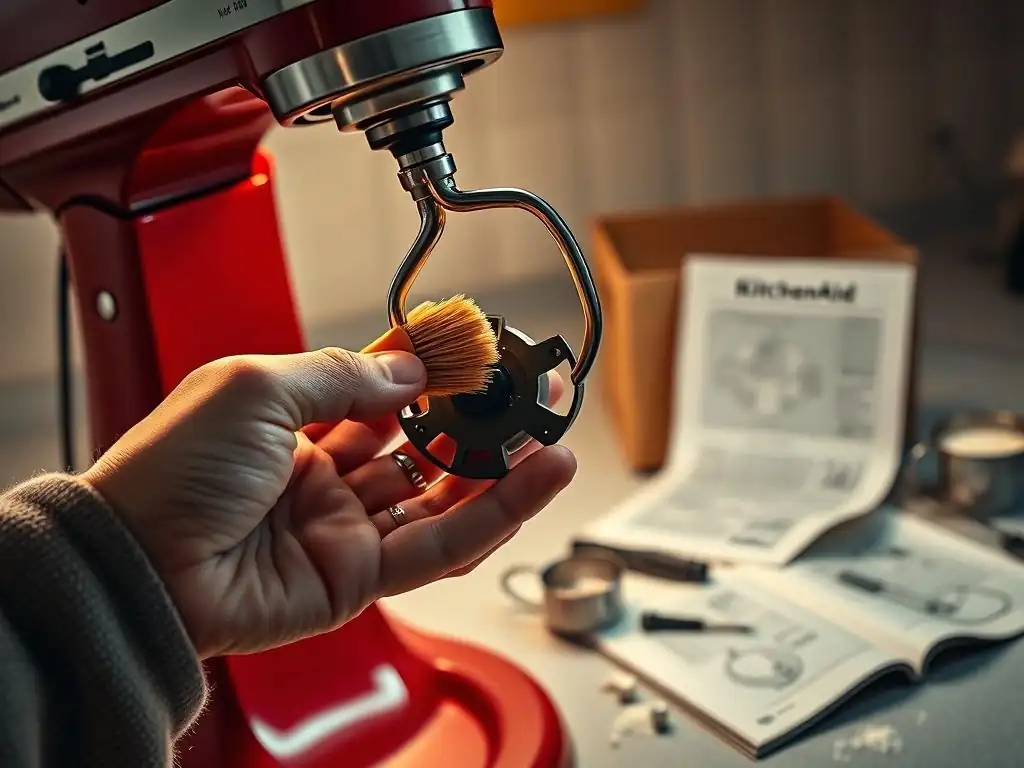
An overheated motor is one of the more concerning KitchenAid stand mixer problems you might encounter. The most obvious sign is the mixer's housing feeling excessively hot to the touch, particularly around the motor area near the top. You might also notice a faint burning smell, similar to hot electronics or rubber. In some cases, the mixer might simply shut off mid-operation as a safety mechanism to prevent permanent damage.
This often happens when the mixer is overworked, such as kneading very stiff doughs for extended periods or processing very large batches of ingredients that exceed the mixer's capacity. For example, trying to knead dough for five or six standard loaves of bread in a 4.5 or 5-quart tilt-head mixer might cause strain, especially if the dough is low in hydration and very stiff. The motor works harder than intended, generating excess heat.
Solutions to Prevent KitchenAid Stand Mixer Motor Overheating: Batch Sizes and Cooling
Preventing your KitchenAid stand mixer motor from overheating primarily involves respecting its limits and allowing it to cool down when necessary. Check your mixer's manual for specific capacity guidelines; for instance, a typical 5-quart tilt-head model might be rated for kneading dough using up to about 4-5 cups of flour, while larger bowl-lift models can handle significantly more, perhaps up to 14 cups of flour for certain tasks. Exceeding these guidelines, especially with dense mixtures like bagel dough or stiff cookie dough, puts excessive strain on the motor.
If you are working with a large recipe or a particularly stiff dough, consider dividing it into smaller batches that are within your mixer's recommended capacity. This reduces the load on the motor. Also, be mindful of continuous operation time.
While mixing a batter for 5-10 minutes is usually fine, kneading heavy dough for 15-20 minutes or more without a break can cause heat buildup. If the housing feels warm, turn the mixer off and let it rest for 15-20 minutes to cool down before continuing. Following these stand mixer troubleshooting tips regarding load and rest can significantly extend your mixer's life.
KitchenAid Stand Mixer Not Mixing Properly: Addressing Mixing Issues
Understanding Why Your KitchenAid Stand Mixer Isn't Mixing Ingredients Evenly
One frustrating KitchenAid stand mixer problem is when ingredients aren't mixed evenly, leaving pockets of unmixed flour or sugar at the bottom or sides of the bowl. This can happen for several reasons. The most common culprits are using the wrong attachment for the task, incorrect bowl height adjustment, or simply not scraping down the sides of the bowl periodically, especially with thicker batters or doughs.
For example, using the whisk attachment for creaming butter and sugar won't incorporate ingredients near the bowl's edge as effectively as the flat beater. Similarly, if the bowl isn't seated correctly or the bowl height adjustment screw is improperly set, the attachment might sit too high, failing to reach ingredients at the very bottom. This is a common point addressed in KitchenAid stand mixer troubleshooting tips for bakers using tilt-head models.
Troubleshooting Uneven Mixing: Speed Adjustments and Bowl Height Issues
To troubleshoot uneven mixing, first ensure you are using the correct attachment – typically the flat beater for creaming and mixing batters, and the dough hook for kneading yeast doughs. Next, check the bowl height. On tilt-head models, with the head tilted down and the flat beater attached, the beater should just clear the bottom of the bowl, not scrape it.
If it's too high, you can adjust the screw located in the neck of the mixer (consult your manual for the exact location and adjustment method, usually involving a flathead screwdriver). A slight turn, often 1/4 turn increments, can make a big difference.
For bowl-lift models, ensure the bowl is properly seated in the bowl-lift arms. If the attachment is still too high or low, these models also have a bowl-height adjustment screw, typically located on the support crossbar beneath the mixer head. Again, small adjustments are key. Finally, regardless of model or adjustment, it's always good practice to stop the mixer periodically (every 2-3 minutes for longer mixing tasks) and use a spatula to scrape down the sides and bottom of the bowl, ensuring all ingredients are incorporated. These simple stand mixer troubleshooting tips can dramatically improve mixing results.
KitchenAid Stand Mixer Making Loud Noises: Diagnosing and Fixing Noisy Operation
Identifying the Source of KitchenAid Stand Mixer Noises: Gears and Motor
A KitchenAid stand mixer should operate with a relatively consistent hum, but sudden loud or unusual noises can indicate a problem. Grinding, clicking, or knocking sounds often point to issues within the gearbox, where the motor's power is transferred to the attachment shaft. These noises might become more pronounced under heavier loads, such as when kneading stiff dough. A high-pitched whine could potentially relate to the motor itself or the transmission system.
Over time, the grease within the gearbox can break down or migrate, leading to increased friction between the metal gears, which causes grinding sounds. Occasionally, a foreign object could have accidentally fallen into the mechanism, though this is less common. Identifying when the noise occurs – under load, at specific speeds, or constantly – provides crucial clues for effective stand mixer troubleshooting.
Quick Fixes for a Noisy KitchenAid Stand Mixer: Lubrication and Tightening
Addressing a noisy KitchenAid stand mixer often involves lubrication, though this is typically a task for a qualified service technician. KitchenAid mixers use a specific type of food-grade grease. If the noise is due to dried-out or migrated grease, the mixer needs to be opened, cleaned, and repacked with fresh grease. Attempting this yourself without proper knowledge and tools can be dangerous and may void your warranty.
However, some noises might be caused by loose external components. Check that the bowl is correctly seated and locked in place. Ensure attachments are properly installed. Sometimes, simply tightening external screws (if any feel loose and are accessible without disassembly) can help, but never attempt to open the mixer head or base unless you are specifically trained to do so. For persistent internal grinding or knocking noises, the most recommended stand mixer troubleshooting tip is to cease use and contact KitchenAid customer support or an authorized repair service.
KitchenAid Stand Mixer Attachment Issues: Resolving Problems with Beaters and Dough Hooks
Why Your KitchenAid Stand Mixer Attachments Aren't Connecting Properly
Issues with attachments not connecting properly are a common point of frustration. This can manifest as the attachment not locking onto the planetary shaft, wobbling excessively, or even falling off during operation. The primary reasons for this are usually straightforward: improper installation, debris on the attachment shaft or socket, or using an attachment that isn't compatible with your specific mixer model.
For instance, the attachment shaft on the mixer head has a small pin that must align with a notch on the attachment's stem. If these aren't aligned correctly before pushing the attachment upwards and twisting, it won't lock securely. Accumulated batter or dough residue on the shaft or inside the attachment's socket can also prevent a proper connection, acting as a physical obstruction.
Troubleshooting Attachment Problems: Installation and Compatibility
To troubleshoot attachment problems, first, ensure the mixer is turned off and unplugged for safety. Remove any attachment currently in place. Inspect both the planetary shaft on the mixer and the socket on the attachment for any debris and clean them thoroughly with a damp cloth.
Then, carefully re-install the attachment: slide it onto the shaft, aligning the notch on the attachment with the pin on the shaft, push upwards as far as it will go, and then rotate it clockwise until it locks into place. You should feel or hear a click. To remove, push up and turn counter-clockwise.
If you're using a new or third-party attachment, verify its compatibility with your specific KitchenAid mixer model (e.g., 4.5-quart tilt-head, 6-quart bowl-lift). Not all attachments fit all models perfectly. Ensure you are using genuine KitchenAid attachments or reputable third-party ones explicitly stated as compatible. Following these simple stand mixer troubleshooting tips for attachment handling can prevent most issues.
KitchenAid Stand Mixer Quick Fixes: Simple Solutions for Common Issues

Speed Control Problems: Resolving Issues with KitchenAid Stand Mixer Speeds
KitchenAid Stand Mixer Speed Not Consistent? Potential Causes
Experiencing inconsistent speeds or finding that your KitchenAid stand mixer won't change speed can be puzzling. Sometimes the mixer might surge or slow down unexpectedly, especially under load. Other times, the speed control lever might feel stiff, or the mixer might only operate at one speed regardless of the setting. These issues can stem from internal electrical components, a faulty speed control plate, or even accumulated debris or dried grease interfering with the speed control mechanism.
While internal electrical issues require professional attention, mechanical interference with the speed control lever is something you can often investigate. If the lever itself feels sticky or hard to move, it might not be making proper contact with the internal speed control components.
Adjusting and Fixing KitchenAid Stand Mixer Speed Settings
If your speed control lever feels stiff or the speed is inconsistent, ensure the mixer is unplugged. Inspect the area around the speed control lever for any visible debris, dried batter, or flour that might be impeding its movement. Use a soft brush or a damp cloth to gently clean the area. Work the lever back and forth a few times to see if it loosens up.
If cleaning the external area doesn't resolve the issue, and the speed remains inconsistent or stuck, the problem is likely internal. This could involve the speed control plate, governor, or other electrical components. These require specialized knowledge and tools to diagnose and repair safely. For internal speed control issues, the most appropriate stand mixer troubleshooting tip is to contact KitchenAid service. Do not attempt to open the mixer head to access internal electronics yourself.
KitchenAid Stand Mixer Bowl Issues: Addressing Bowl Fit and Stability
Why Your KitchenAid Stand Mixer Bowl Isn't Locking Properly
A wobbly bowl or one that simply won't lock into its base is a common, yet easily fixable, KitchenAid stand mixer problem. This usually happens because the bowl isn't seated correctly on the locating pins in the base, or there's debris preventing it from sitting flush. For tilt-head models, the bowl sits on a plate and is secured by pins; for bowl-lift models, the bowl rests in the lift arms. If these points of contact are obstructed or the bowl isn't aligned, it won't lock securely.
Even a small amount of dried dough or batter on the bowl's base rim or on the mixer's locating pins can prevent the bowl from locking firmly. This results in the bowl rattling or shifting during mixing, which is both annoying and potentially unsafe.
Securing and Stabilizing Your KitchenAid Stand Mixer Bowl
To ensure your KitchenAid stand mixer bowl is secured and stable, first, unplug the mixer. Remove the bowl and inspect both the bottom of the bowl (especially the rim and any grooves or rings) and the bowl platform or lift arms on the mixer base. Clean away any food debris, flour, or dried liquid using a damp cloth.
For tilt-head models, place the bowl on the platform, ensuring the two locating pins on the platform fit into the corresponding notches on the bottom of the bowl. Then, press down gently and twist the bowl clockwise until it clicks into place. For bowl-lift models, lower the arms, place the bowl into the arms, ensuring the pin on the back of the bowl fits into the slot on the rear support, and then lift the arms until they lock.
Ensure the bowl is seated firmly in the arms before starting the mixer. A clean bowl and base, combined with correct alignment, are key stand mixer troubleshooting tips for bowl stability.
KitchenAid Stand Mixer Leaking Oil: Identifying and Addressing Oil Leaks
Understanding KitchenAid Stand Mixer Oil Leaks
Discovering oil dripping from your KitchenAid stand mixer, often from the planetary shaft where the attachments connect, is a sign that the internal grease is leaking. This grease is essential for lubricating the gears within the mixer's head. Over time, the seals or gaskets that contain this grease can degrade, or the grease itself can separate, leading to leakage. This is a relatively common issue, particularly in older or heavily used mixers.
While the grease is typically food-grade, a leak indicates that the internal mechanism is losing lubrication, which can eventually lead to increased wear on the gears and potentially lead to the noisy operation discussed earlier. It's a clear signal that attention is needed beyond simple external cleaning.
What to Do if Your KitchenAid Stand Mixer is Leaking Oil: Temporary Fixes and Professional Repair Considerations
If your KitchenAid stand mixer is leaking oil, the primary long-term solution is to have the mixer opened, cleaned, and repacked with fresh grease, replacing any worn seals or gaskets. This is a complex internal repair that requires specific tools and expertise. Do not attempt to open the mixer head yourself unless you have the necessary technical skills, as it involves electrical components and delicate gearing.
As a temporary measure, you can clean away any leaked oil from the exterior of the mixer and the planetary shaft using a damp cloth. Place a paper towel or small container beneath the planetary shaft when the mixer is not in use to catch any drips. However, understand that this only manages the mess; it doesn't fix the underlying problem of the leaking seal.
The best course of action when faced with an oil leak is to contact KitchenAid customer service or locate an authorized KitchenAid repair center. They have the parts and knowledge to properly address the leak and ensure your mixer is safely regreased. Seeking professional help is the most recommended stand mixer troubleshooting tip for oil leaks.
Preventative KitchenAid Stand Mixer Maintenance: Avoiding Future Problems
Regular Cleaning and Maintenance for Optimal Performance
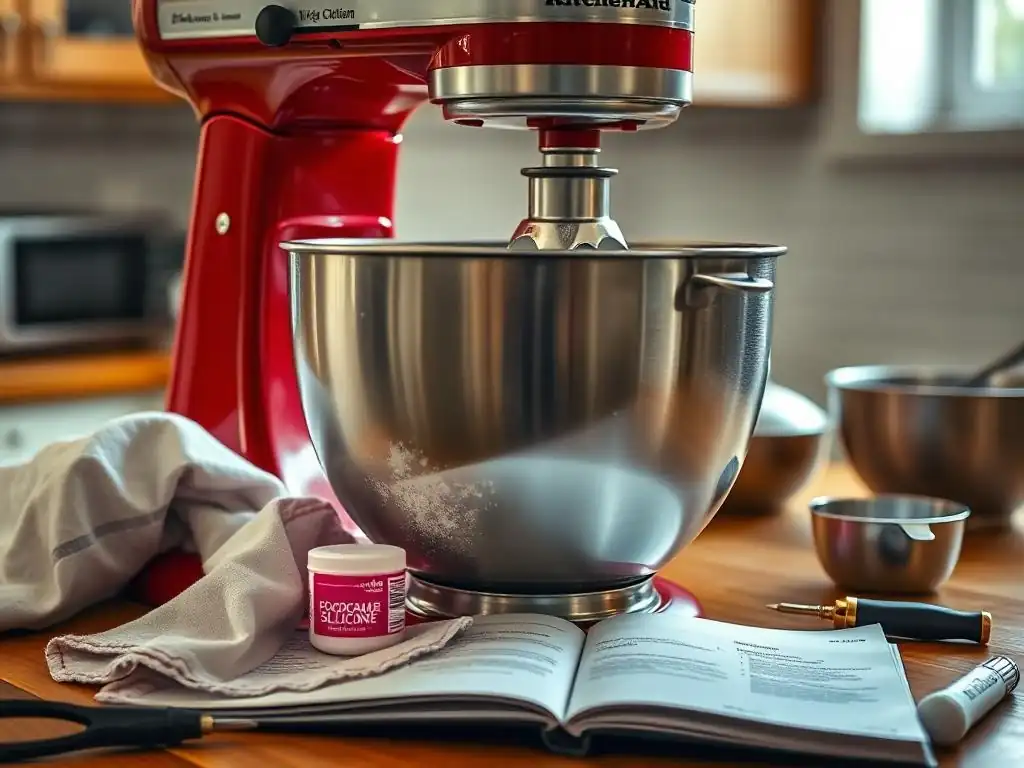
Consistent cleaning and maintenance are the best ways to prevent many KitchenAid stand mixer problems. After each use, unplug the mixer and immediately clean the bowl, attachments, and exterior housing. Wash bowls and attachments according to the manufacturer's instructions (most metal attachments are not dishwasher safe and should be hand washed). Use a damp cloth to wipe down the mixer head and base, paying special attention to the planetary shaft and the bowl platform or lift arms, removing any food residue.
Periodically, inspect the power cord for any damage. Check the bowl height adjustment screw to ensure it hasn't vibrated loose (though significant adjustments shouldn't be needed frequently). Wiping down the mixer regularly prevents sticky buildup that can impede moving parts like the speed control lever or bowl lock. A clean mixer not only looks better but performs more reliably.
Proper Storage Techniques to Extend KitchenAid Stand Mixer Lifespan
Proper storage also plays a role in the longevity of your KitchenAid stand mixer. Store your mixer in a clean, dry place away from excessive heat or moisture. Avoid storing it in areas like damp basements or garages where humidity could potentially affect internal components over time.
If you don't use your mixer daily, consider covering it with a dust cover (many are available for purchase, or you can use a clean towel) to protect it from airborne dust and grease, which can accumulate and work their way into the mechanism. Store attachments separately in a drawer or container rather than leaving them attached to the mixer shaft, especially if the mixer is moved frequently, as this can put unnecessary stress on the shaft. These simple habits help keep your mixer in top condition.
When to Seek Professional KitchenAid Stand Mixer Repair
While many common KitchenAid stand mixer problems can be addressed with the stand mixer troubleshooting tips provided here, some issues require professional expertise. You should seek professional repair if you experience:
- Persistent loud grinding or knocking noises from within the mixer head.
- Significant oil leakage that continues after cleaning.
- The motor stopping abruptly or failing to start.
- Electrical issues, such as sparks, smoke, or problems with the power cord.
- Issues requiring the mixer head to be opened for repair (like internal gear or electrical problems).
Attempting complex internal repairs without proper knowledge can cause further damage or pose a safety risk. KitchenAid customer support or an authorized service center is equipped to handle these more serious issues, ensuring your mixer is safely and correctly repaired, restoring its performance and your peace of mind.
Conclusion: Keep Your KitchenAid Stand Mixer Running Smoothly with These Troubleshooting Tips
BakeWithEase.com's Final Thoughts on KitchenAid Stand Mixer Care
Your KitchenAid stand mixer is a significant investment in your baking passion. By understanding common KitchenAid stand mixer problems and applying practical stand mixer troubleshooting tips, you can address many issues yourself, keeping your machine performing optimally. Simple steps like respecting its capacity limits, ensuring proper bowl and attachment installation, and performing regular cleaning go a long way in preventing problems before they start.
Remember that while many fixes are straightforward, some issues, particularly those involving internal components like gears, motors, or oil leaks, are best left to professionals. Don't hesitate to consult your user manual or contact KitchenAid service when faced with a problem you're uncomfortable tackling. With a little care and attention, your KitchenAid stand mixer will continue to be a powerful, reliable partner in your kitchen, helping you create countless delicious baked goods for years to come.
Frequently Asked Questions
What are some of the most common issues people experience with stand mixers?
Common issues include the motor overheating, the mixer making unusual noises, and the beater not reaching the bottom of the bowl. These can often be resolved with simple adjustments.
My stand mixer is making a loud grinding noise. What could be the cause?
A grinding noise often indicates a problem with the gears inside the mixer. This may require lubrication or, in more severe cases, professional repair.
The beater on my stand mixer isn't scraping the bottom of the bowl properly. How can I fix this?
Most stand mixers have a beater height adjustment screw. Consult your manual to learn how to adjust the beater height for optimal bowl scraping and thorough mixing.
My stand mixer motor seems to be struggling, especially with thick doughs. Is this normal?
While some strain is normal, excessive struggling indicates overloading the mixer. Reduce the batch size or consider a more powerful mixer designed for heavy doughs.
How often should I have my stand mixer professionally serviced?
It's generally recommended to have your stand mixer professionally serviced every 1-2 years for regular maintenance and to ensure it's running efficiently. This helps prevent major breakdowns and extends the lifespan of your mixer.
Final Reflection: The Joy of Baking, Undeterred
The whirring blades of a stand mixer represent more than just kitchen appliances; they symbolize creativity, culinary passion, and the joy of baking. Yet, even the most reliable machines can encounter problems, halting our creative flow and frustrating our efforts. This article aimed to address those frustrations, providing practical solutions to common stand mixer issues and empowering bakers to overcome technical hurdles. The ability to quickly troubleshoot these problems is crucial for maintaining the smooth operation of our baking endeavors.
The impact of a well-functioning stand mixer extends far beyond the kitchen itself. It's a tool that facilitates connection – from family recipes passed down through generations to the shared experience of baking with loved ones. Baking is at once child's play and adult joy. And love, of course.
– Joanne Harris. This simple act of creating something delicious becomes richer and more meaningful when the process is not hampered by mechanical failures. The frustration of a malfunctioning machine can easily overshadow the joy of the process, and this article sought to prevent that.
Now, consider your own stand mixer. What challenges have you faced? What small victories have you celebrated? Take a moment to appreciate the power of problem-solving and the resilience it fosters. Remember the tips and tricks outlined in this article, and let them empower you to face any future challenges with confidence. Don't let a minor mechanical issue derail your baking dreams; embrace the opportunity to learn, adapt, and continue creating delicious memories in your kitchen.
Rediscover Your Stand Mixer's Power!
Thank you for taking the time to troubleshoot your stand mixer with us. We hope you now feel confident in tackling those frustrating baking challenges. Are you ready to get back to creating delicious treats?
- Prioritize your most urgent repair: Identify the biggest issue hindering your baking and address that first. Sometimes, a simple fix is all you need to get back to mixing!
- Share your baking triumphs and challenges: Join our BakeWithEase community on your preferred social media platform and share your stand mixer stories—both the successes and the mishaps. We love hearing from you.
- Explore advanced techniques: Now that you've mastered the basics, why not try some advanced techniques with your perfectly functioning stand mixer? We have some amazing recipes waiting for you.
What’s your next baking adventure with your revitalized stand mixer?